23
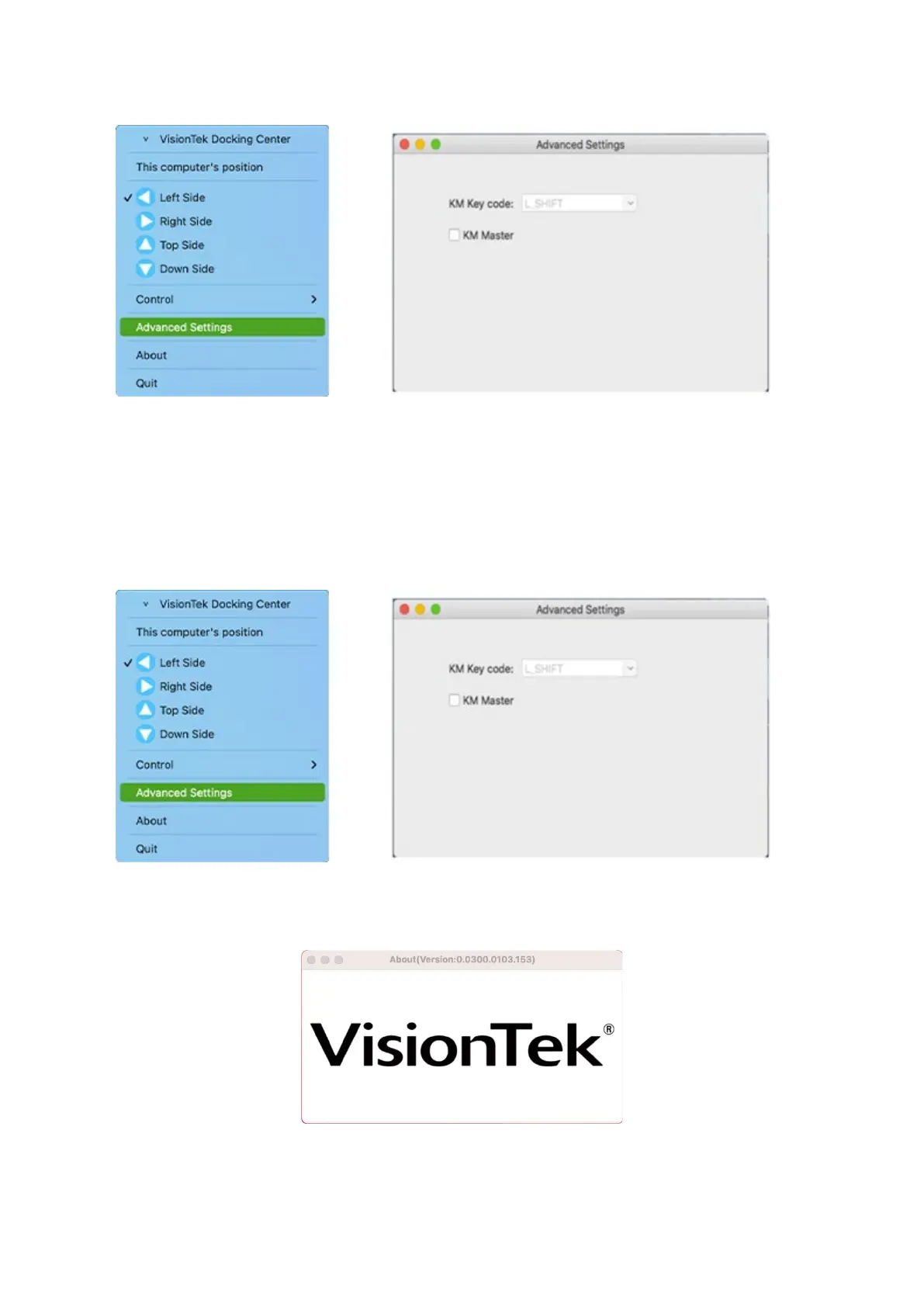
You can set a hot-key to switch UFP, and this will allow you to switch the role of the hosts.
- KM Master
KM Master Mode can only be enabled by the master host platform. When “KM Master” mode
is enabled, the application icon becomes yellow. At this time, you can use the host’s keyboard
and mouse to control the client’s side without requiring the KM Share application. You can also
press the hot key (left ALT + left SHIFT) to move cursor back to the master host side from the
client side.
- About
Software Information



 To Next Page