11
3 Host Bridge (Docking Center) Utility (Windows)
3.1 Setup and Installation
Please follow the steps for the installation.
a. Connect HOST 1 Upstream port (On Docking Station) to the USB-C port of Host 1, and
connect the HOST 2 Upstream port (On Docking Station) to the USB-C port of Host 2
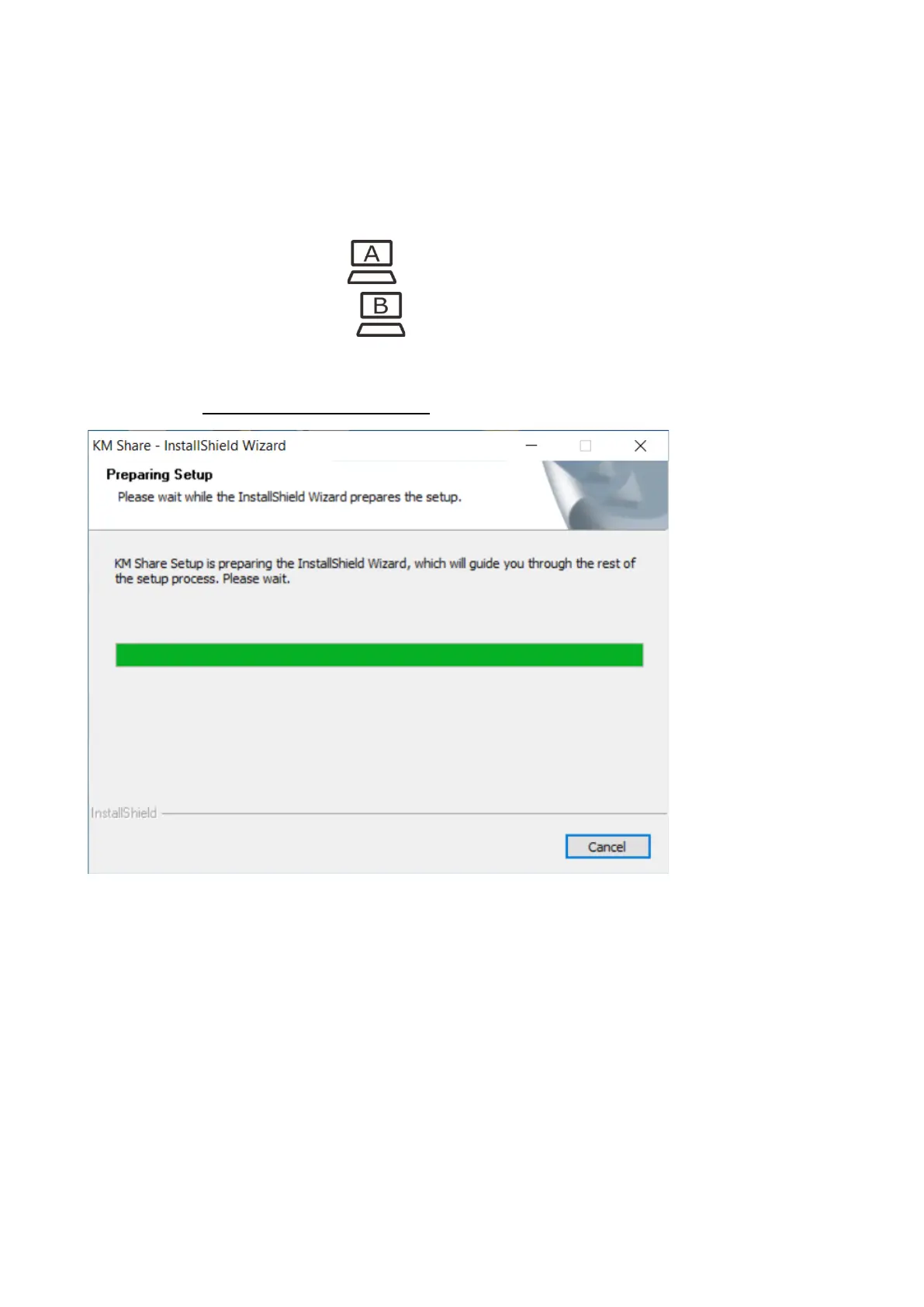
b. Double click DockingCenterAppInstall.exe to start the installation, as shown below.



 To Next Page