14
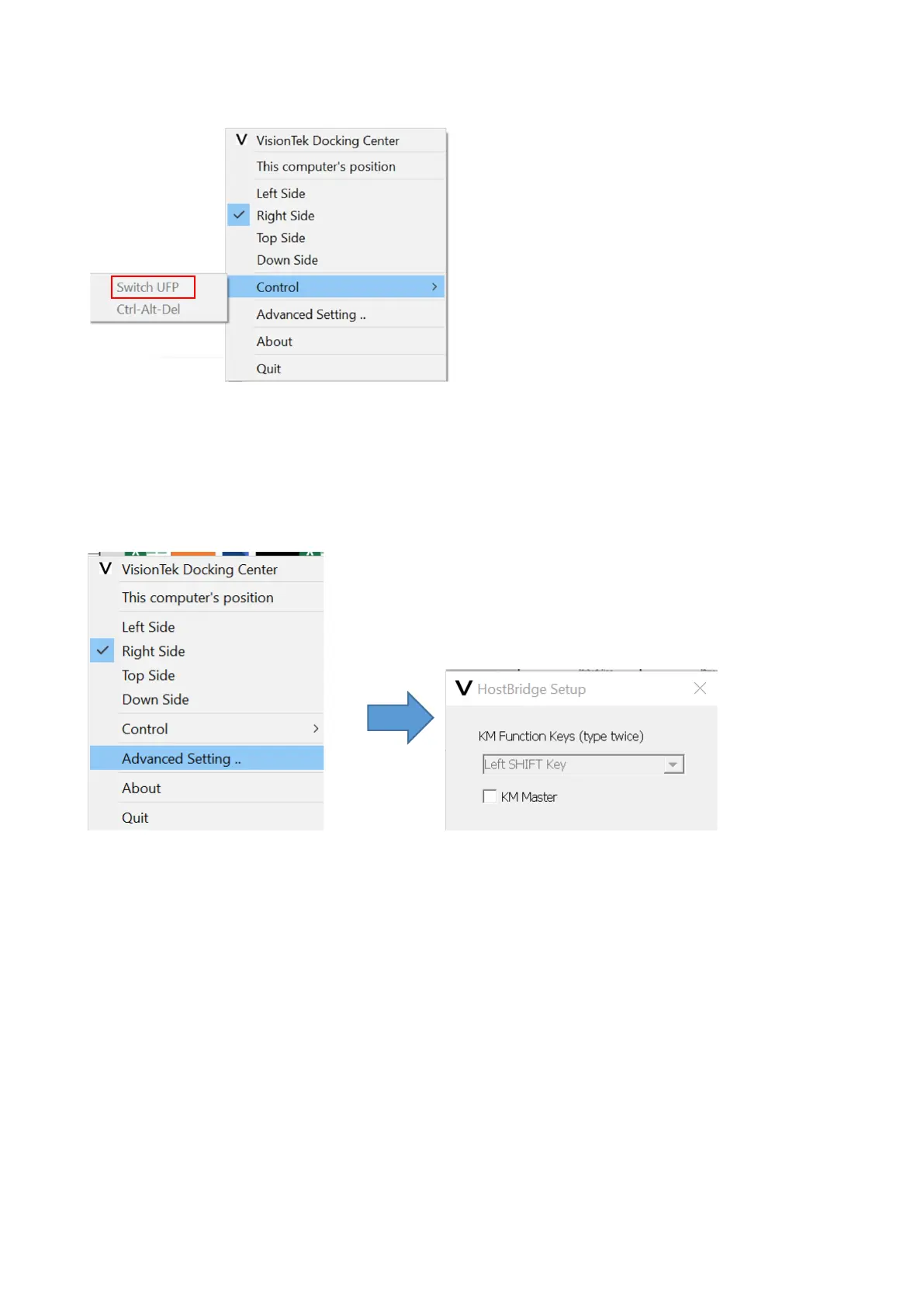
3.2.3 Switch UFP
When the Hub connects to two PCs, devices under the hub will be recognized and enumerated by
the Master host, for example, the storage devices will only be shown on the Master PC, while the
other PC is set as the slave PC. Switch UFP function will allow users to switch the role of Master and
Slave PCs.
3.2.4 Advanced Settings
You could set a hot-key to switch UFP, and this key will allow you to switch the roles of PCs quickly.
You can switch the function of KM Master as well.



 To Next Page