Page.17.
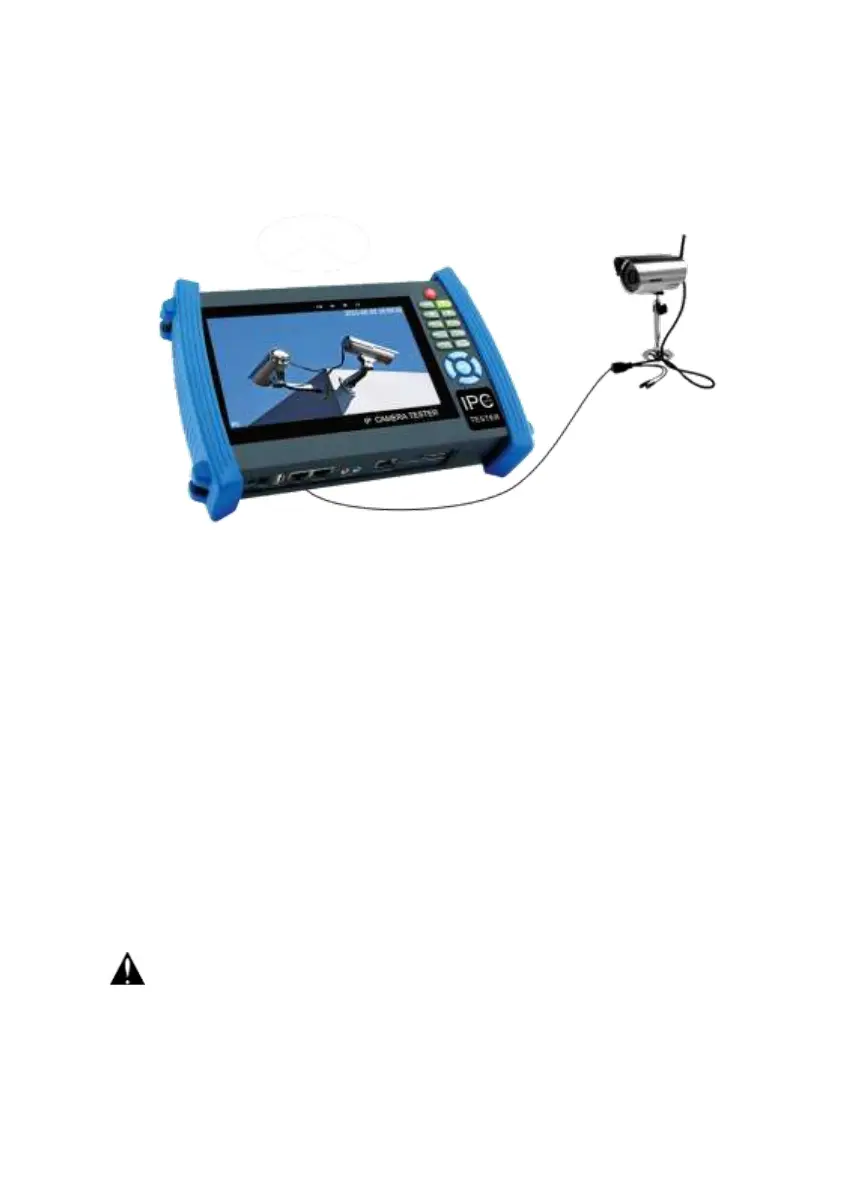
Note:1) If the IP camera requires PoE power, then connect the IP camera to the IP tester’sLAN
port . The tester will supply PoE Power for the IP camera. Click on the icon labeled POE to turn
the PoE Power off or on.
2) Use the tester’s menu to turn off the tester’s PoE power supply, the PoE switch and the
power sourcing equipment are allowed to connect to the tester’s PSE port, and the PoE power
will be supplied to the IP camera by the tester’s LAN port. On this condition, the tester cannot
receive data from IP camera, but the computer connected to the PoE switch can receive the
data via the the tester.
Warning: PoE switch or PSE power sourcing equipment only can be connected to tester
“PSE IN” port, otherwise will damage the tester.


 To Next Page