Page.67.
off. If you don’t press the red button to shut off the lamp and press the button to exit the
app, the lamp will stay on. Click the Time Setting button to set a timer that will shut off the lamp.
3.3.19 PoE Voltage test
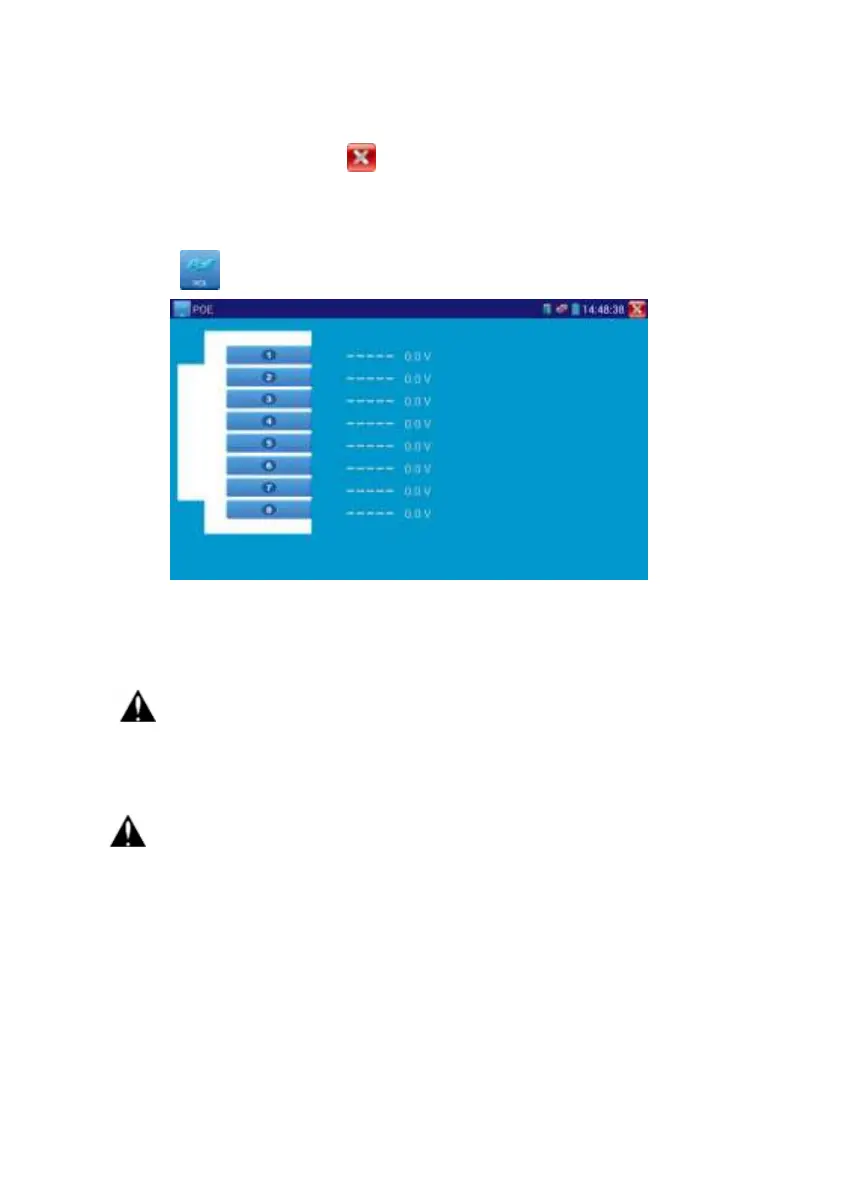
Click icon to enter PoE voltage measurement
Connect a network cable from a PoE switch to the IP tester’s PSE IN port. Connect an IP
camera or other PoE using node to IP tester’s LAN port, the PoE voltage and the cable’s pin
connection status show on the screen.
Note: This test if for measuring the voltage being drawn by the PoE node and
the IP tester must be between the PoE switch and the PoE node for this test to work.
Note: The PoE switch must be connected to the PSE IN port. The powered device such
as IP camera or other PoE node must be connected to the LAN port.
Note: Do not connect PoE power supply equipment (such as a PoE switch) to
the tester’s UTP/SCAN port; otherwise it will damage the tester.


 To Next Page