Page.57.
3.3.15 Digital Multi-meter
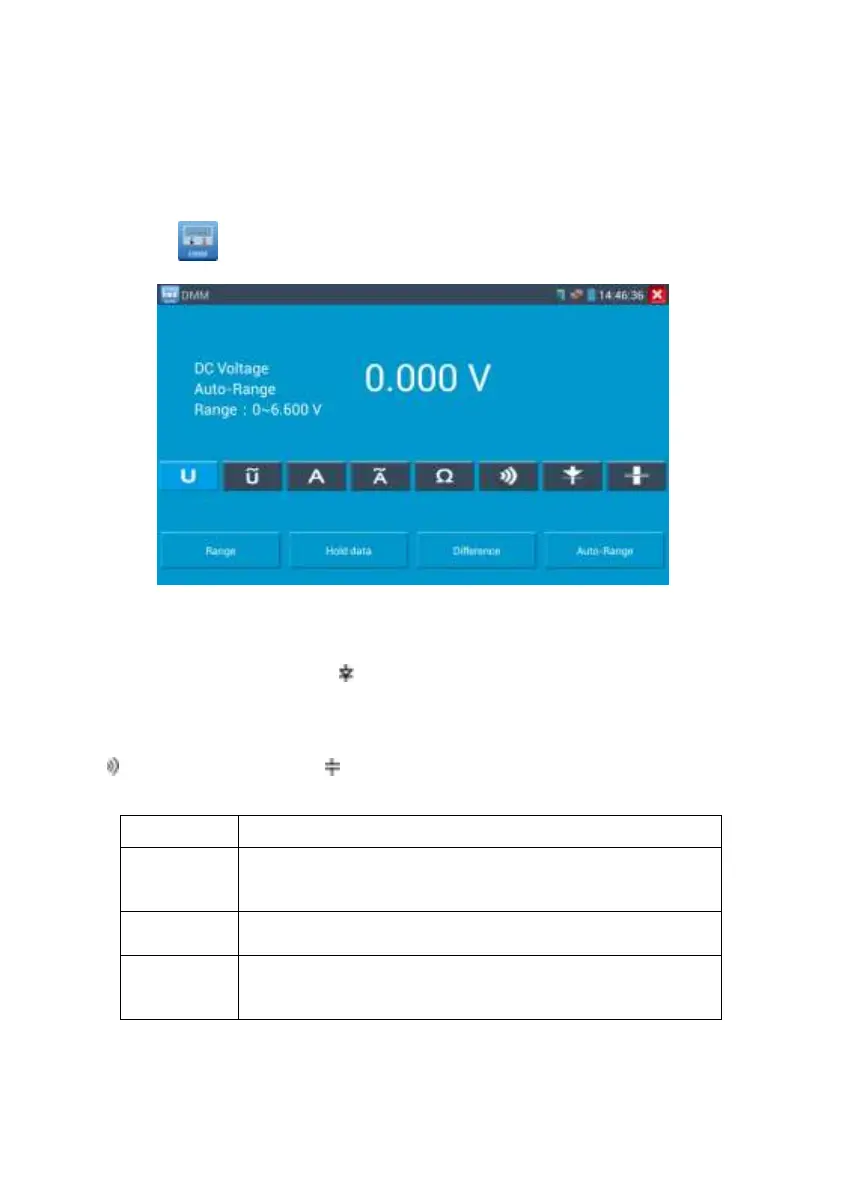
Click icon to enter
1) SYMBOLS:
U:DC Voltage Measuring A:DC Current Measuring
Ω:Resistance Measuring :Diode Testing
U
~
:AC Voltage Measuring A
~
:AC Current Measuring
:Continuity Testing :Capacitance Measuring
Voltage and current measurement state display
The Multimeter auto adjust the range by input signal or tested
components
Display the relative measurement value
Press the key to change display state


 To Next Page