Page.51.
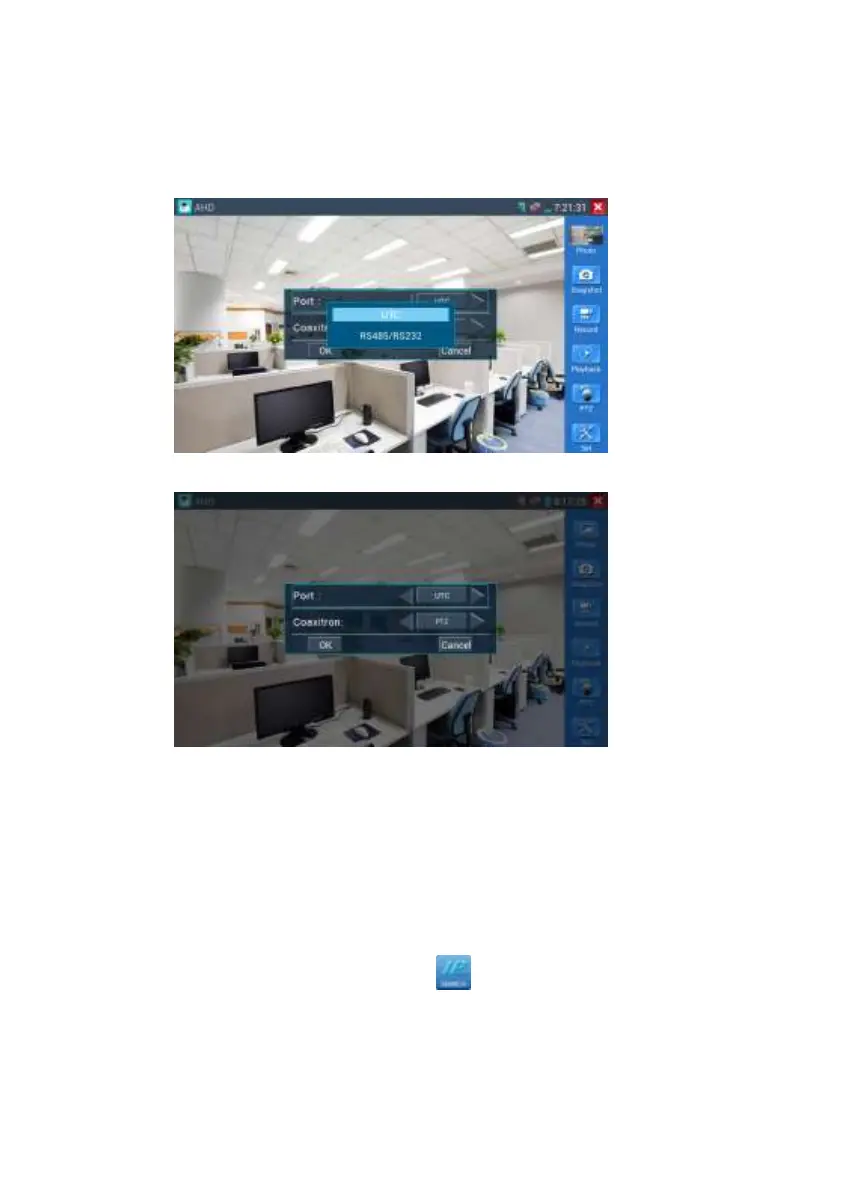
Click the icon“PTZ”on the right toolbar to do the corresponding setting.
“Port”: select coaxial control
Enter PTZ address to perform parameters setting
If to coaxial PTZ control the AHD camera, no parameters setting is needed.
More operation instructions please refer to “3.3.6 CVI camera test”
3.3.9 IP address scan
Connect the cable to the LAN port, click icon to enter, Set your IP address search
range by changing the Start and End IP addresses. Click the “Start” button to scan the IP
address range. You can also input an IP address in the Port Number Scan to scan for open


 To Next Page