Page.68.
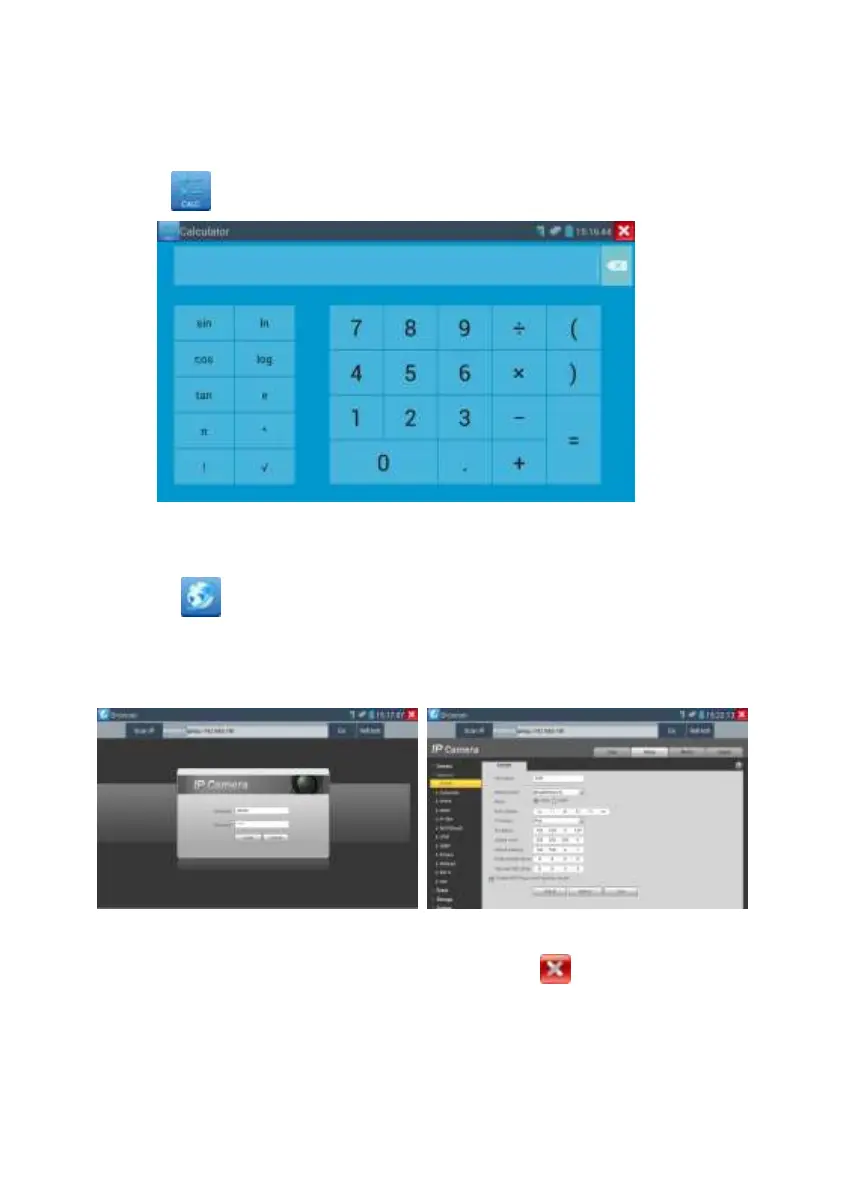
3.3.20 Calculator
Click icon to enter
3.3.21 Browser
Click icon to enter
Type in the camera’s IP address and press “Go” to access the IP camera’s interface.
NOTE: You will not be able to view live video in the web browser. For viewing video, use
the IP tester‘s live camera view Apps
The IP camera and IP tester be on the same network segment for the browser to interface with
the camera. If they are not in the same segment, click the button or press “RETRUN” to
exit. Open the “Settings” app from the main menu to change the IP tester’s network settings to
match those of the IP camera.


 To Next Page