Page.82.
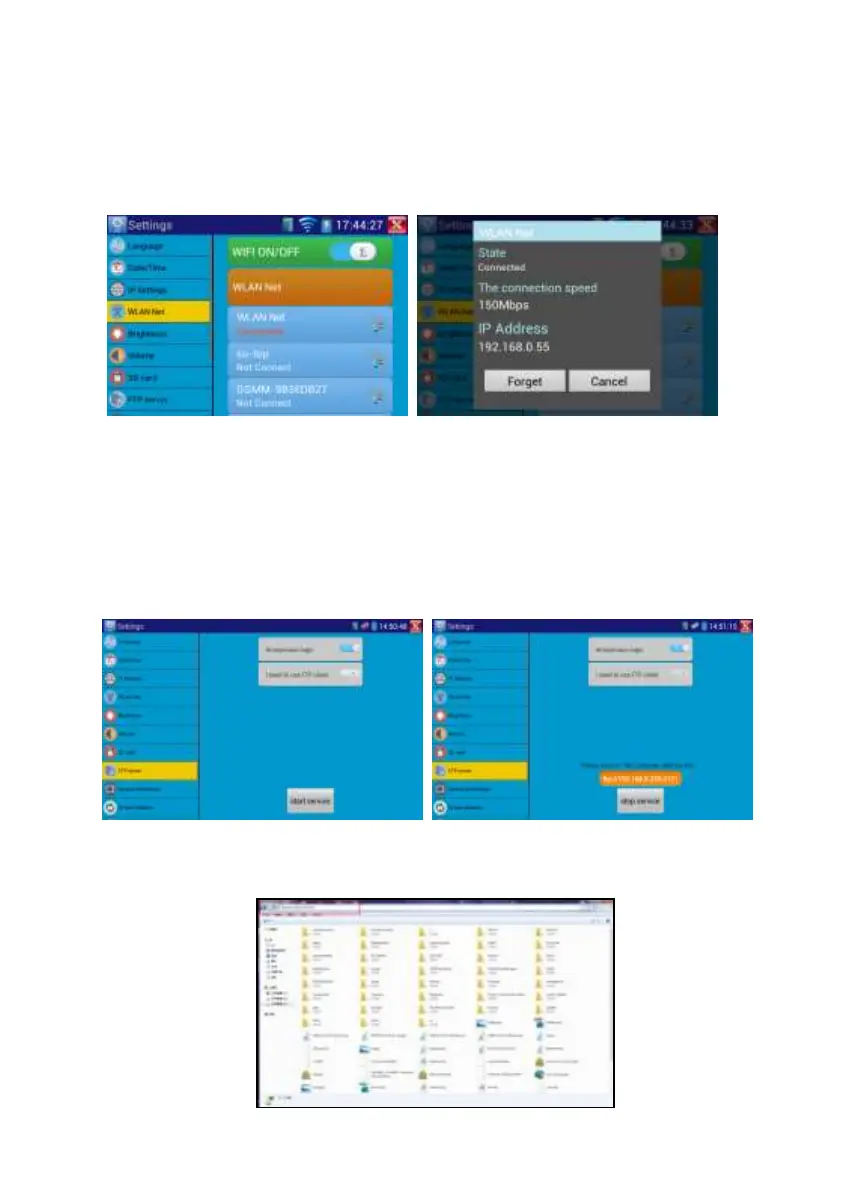
it will scan for wireless networks in your area. Select the desired wireless network SSID and
enter your password to connect.
Brightness: Set the desired brightness of the IP tester and adjust the sleep time settings.
Volume: Set volume level
SD Card: Displays SD Card Capacity. You can also format the SD card or unmount it before
removing it.
FTP server: Once the IP tester connects to a network, a computer can be used to read the SD
card files via FTP
Start the FTP server and then input the tester’s FTP address in the PC’s address bar. This will
enable the PC to read ,copy and edit the files from the SD card without the use of SD card
reader.


 To Next Page