Vitrek V4 – Electrical Safety Tester USER MANUAL
20
z Insulation Resistance test (IR)
Press MENU key to enter status MENU then use the knob and
Use arrow keys to select a step.
Press EDIT/SAVE key to enter status EDIT. Now the cursor stays at the “test mode” field. Use the knob
to select IR mode.
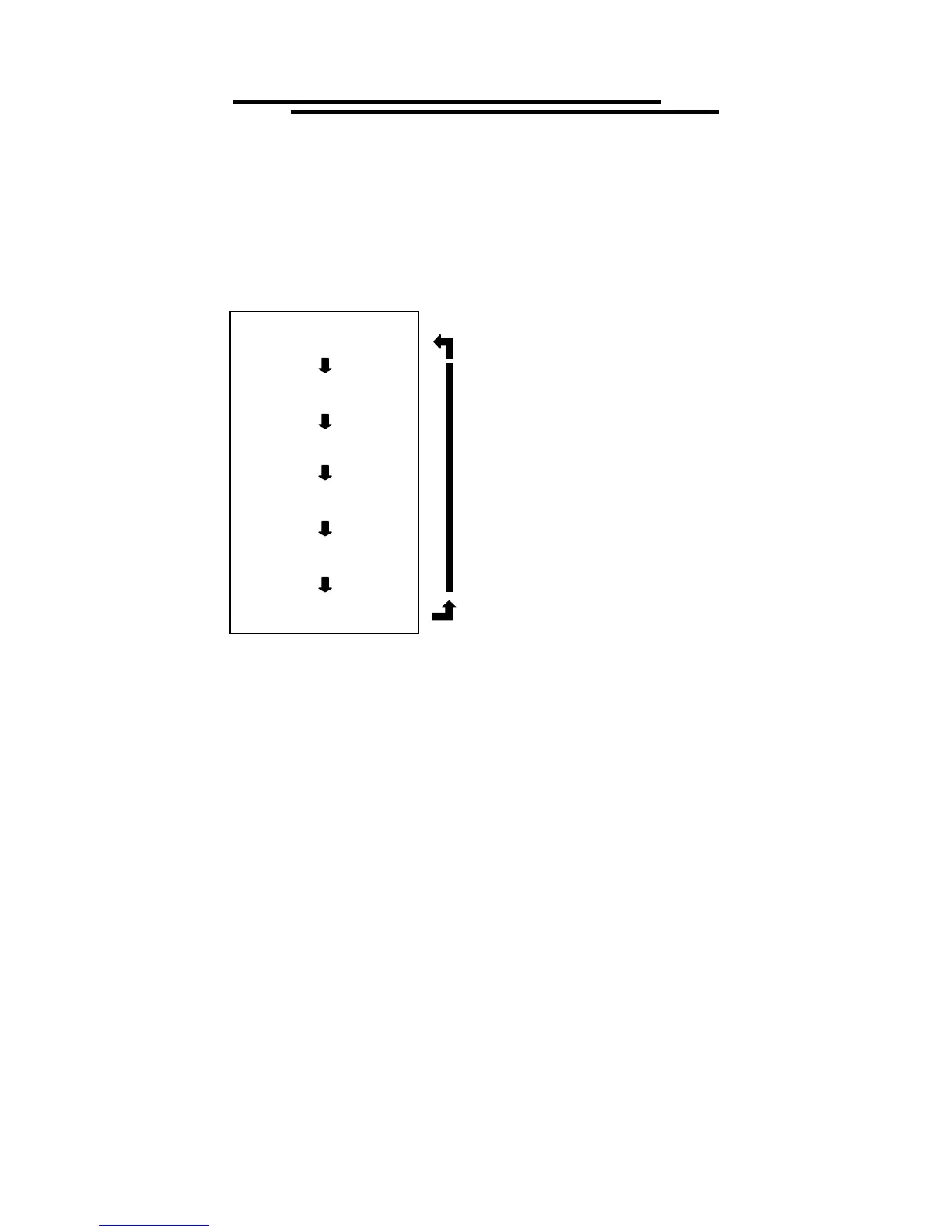
Functionality of FIELD key:
Press FIELD key to edit the next field “output voltage”. Use the knob to adjust the desired output voltage
(500V/1000V).
Press FIELD key again to enter the next field “measurement upper limit”. Use the knob to adjust the
desired upper limit of resistance while using the arrow keys to adjust the knob’s resolution (0~9999M).
If no upper resistance limit is desired, enter 0.000 and the upper resistance limit will be ignored.
Press FIELD key again to enter the next field “measurement lower limit”. Use the knob to adjust the
desired lower limit of resistance while using the arrow keys to adjust the knob’s resolution (0~9999M).
Press FIELD key again to enter the next field “testing time”. Use the knob to adjust the desired testing time
while using the arrow keys to adjust the knob’s resolution
Press FIELD key again to return to the first field “test mode” again.
Press EDIT/SAVE key to save all the parameters.
Test mode
IR
Output voltage
V=X.XXXkV
Measurement upper limit
Rmax=XXXXMΩ
Measurement lower limit
Rmin=XXXXMΩ
Testing time
TEST=X.XXXs
IR



 To Next Page