- 36 -
www.vivotek.com
T: 886-2-82455282
F: 886-2-82455532
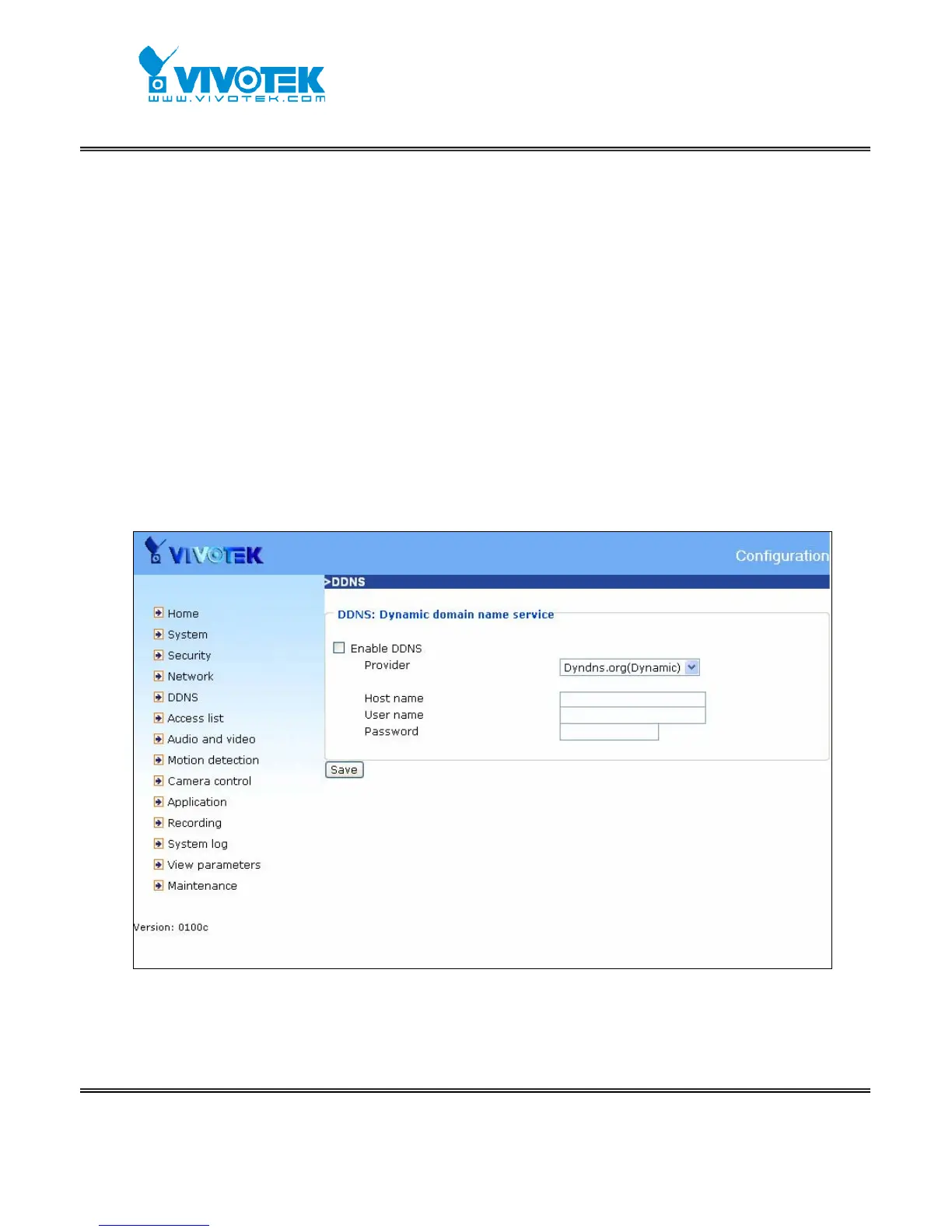
DDNS
“Enable DDNS” This option turns on the DDNS function.
“Provider” The provider list contains four hosts that provide DDNS services. Please
connect to the service provider’s website to make sure the service charges.
“Host Name” If the User wants to use DDNS service, this field must be filled. Please
input the hostname that is registered in the DDNS server.
“Username/E-mail” The Username or E-mail field is necessary for logging in the
DDNS server or notify the User of the new IP address. Note: when this field is input as
“Username” the following field must be input as “Password”.
“Password/Key” Please input the password or key to get the DDNS service.
“Save” Click on this button to save current settings for the DDNS service and UPnP
function.
<url> http://<Network Camera>/setup/ddns.html
<Network Camera> is the domain name or original IP address of the Network Camera.



 To Next Page