- 60 -
www.vivotek.com
T: 886-2-82455282
F: 886-2-82455532
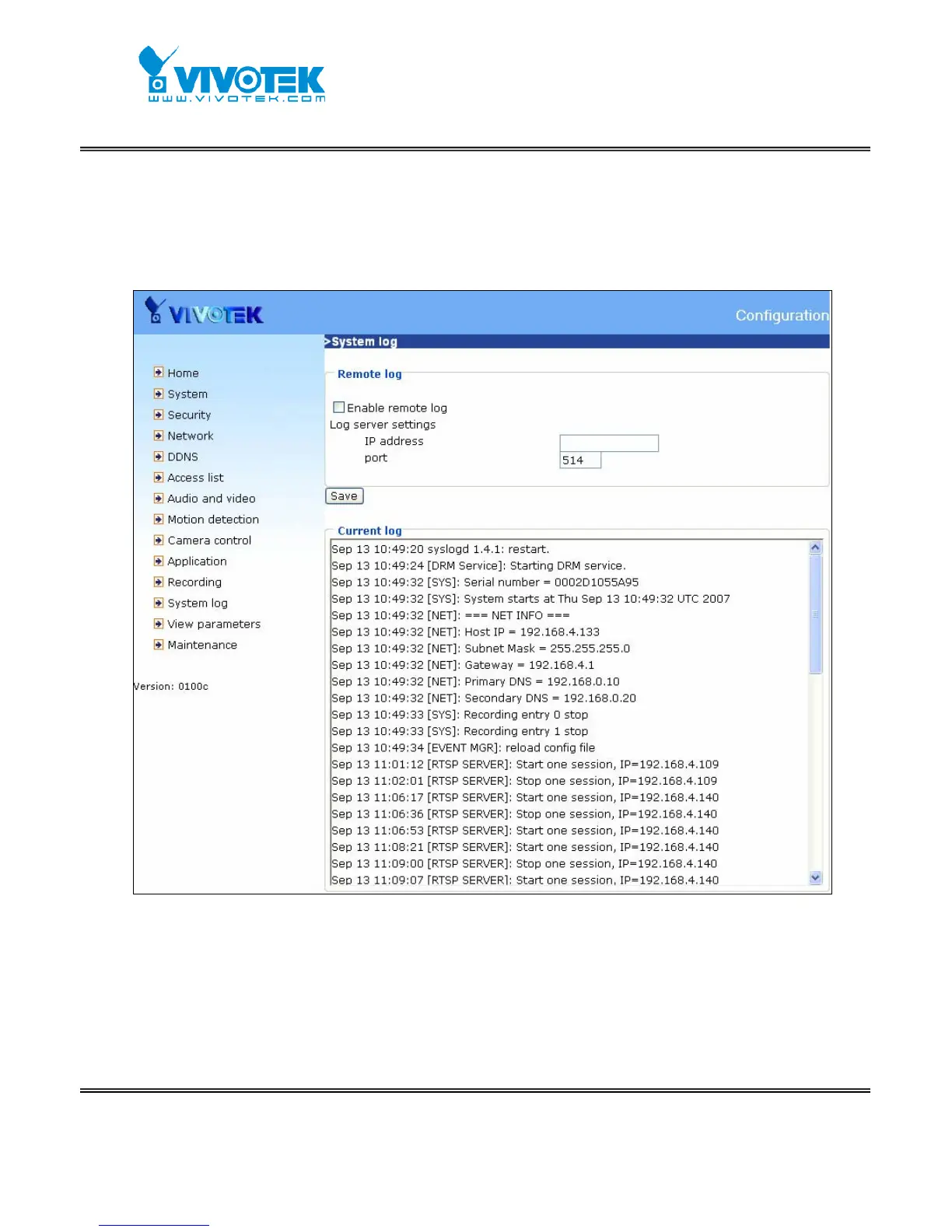
Check “Enable remote log” and input the “IP address” and “port” number of the
log server to enable the remote log facility.
In the “Current log”, it displays the current system log file. The content of the log
provides useful information about configuration and connection after system boot- up.
<url>
http://<Network Camera>/setup/syslog.htm
<Network Camera> is the domain name or original IP address of the Network Camera.
Viewing system parameters
Click on this link on the configuration page to view the entire system’s parameter set.



 To Next Page