- 41 -
www.vivotek.com
T: 886-2-82455282
F: 886-2-82455532
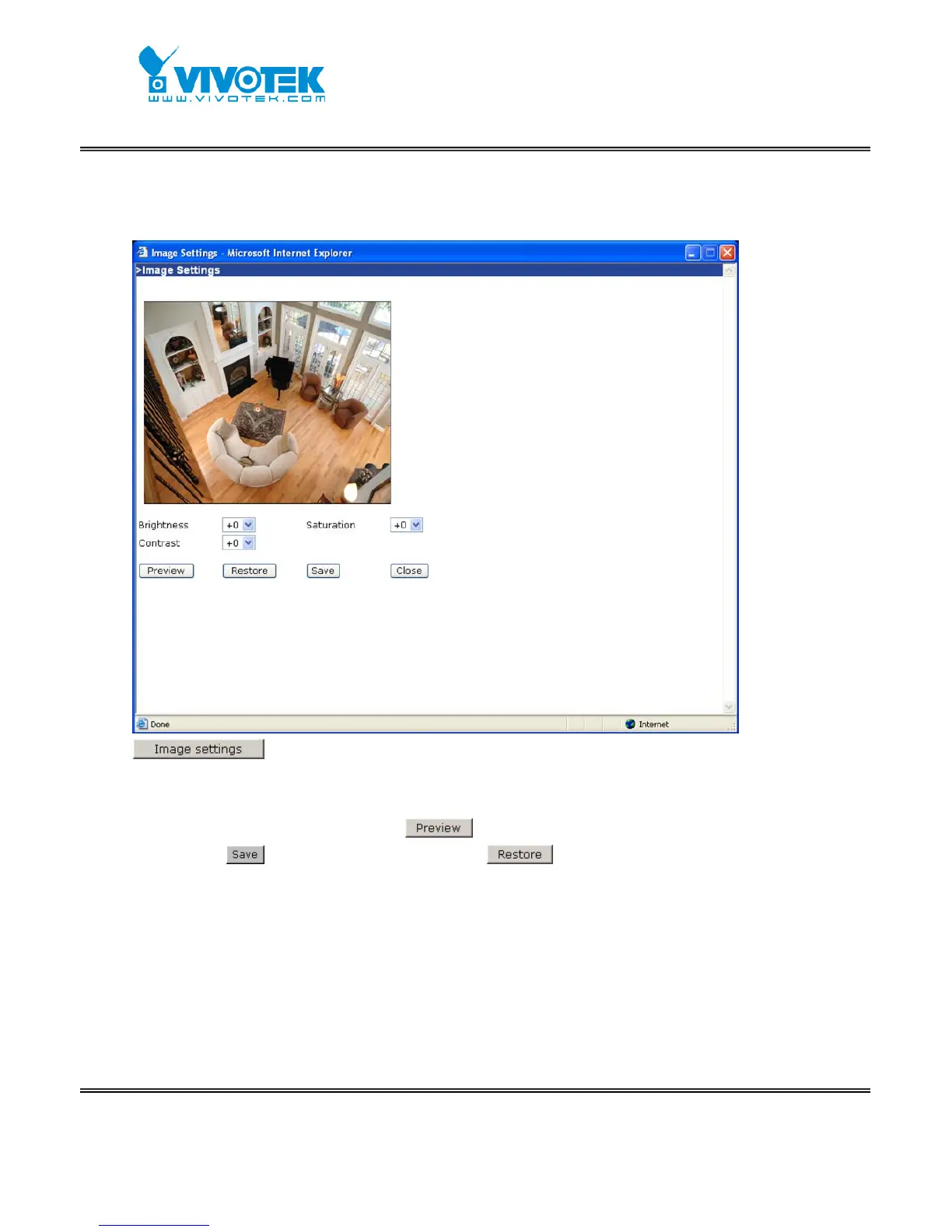
Image Settings
Click on this button to pop up another window to tune “Brightness”,
“Contrast” and “Saturation” for video compensation. Each field has eleven levels
ranged from -5 to +5. In “Brightness” and “Contrast” fields the value 0 indicates
auto tuning. The user may press
to fine-tune the image. When the image is
O.K; press
to set the image settings. Click on this to recall the original
settings without incorporating the changes.



 To Next Page