- 47 -
www.vivotek.com
T: 886-2-82455282
F: 886-2-82455532
Camera control
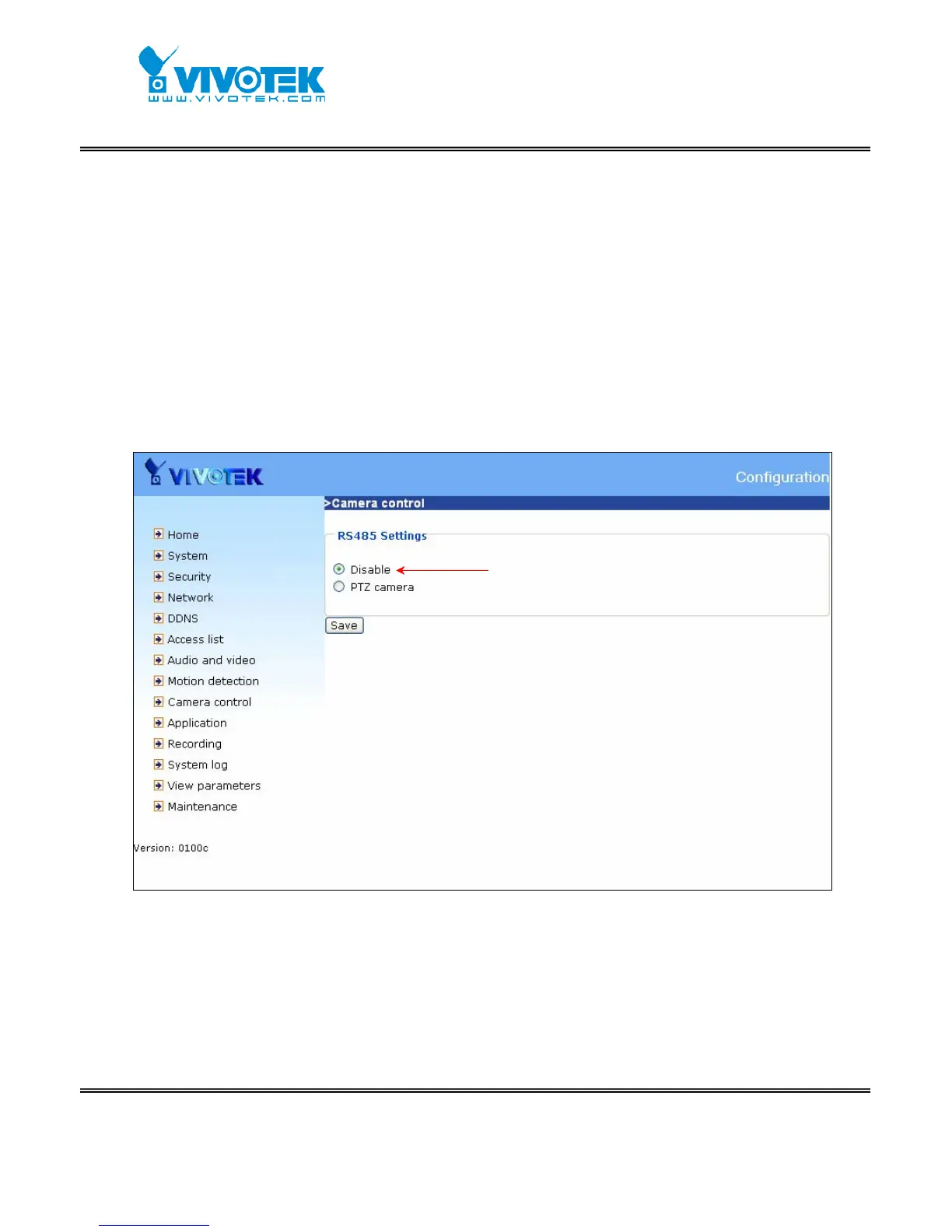
In camera control page, if user configures “RS485 Settings” as “Disable”, it means
the camera is fixed or doesn’t support Pan/Tilt/Zoom features. If user selects “RS485
Settings” as “PTZ camera”, the camera control setting functions will be enabled
and the control panel will appear on permitted users’ main page. Users can configure
their PTZ camera driver and control their camera in pan and tilt direction as well as
zoom and focus. Please refer to the section “Main Screen with Camera View” for
the layout in IE when pan, tilt, zoom, and focus functions are enabled.
When selecting `Disable’, the camera PTZ control
Functions will not appear



 To Next Page