- 37 -
www.vivotek.com
T: 886-2-82455282
F: 886-2-82455532
Access List
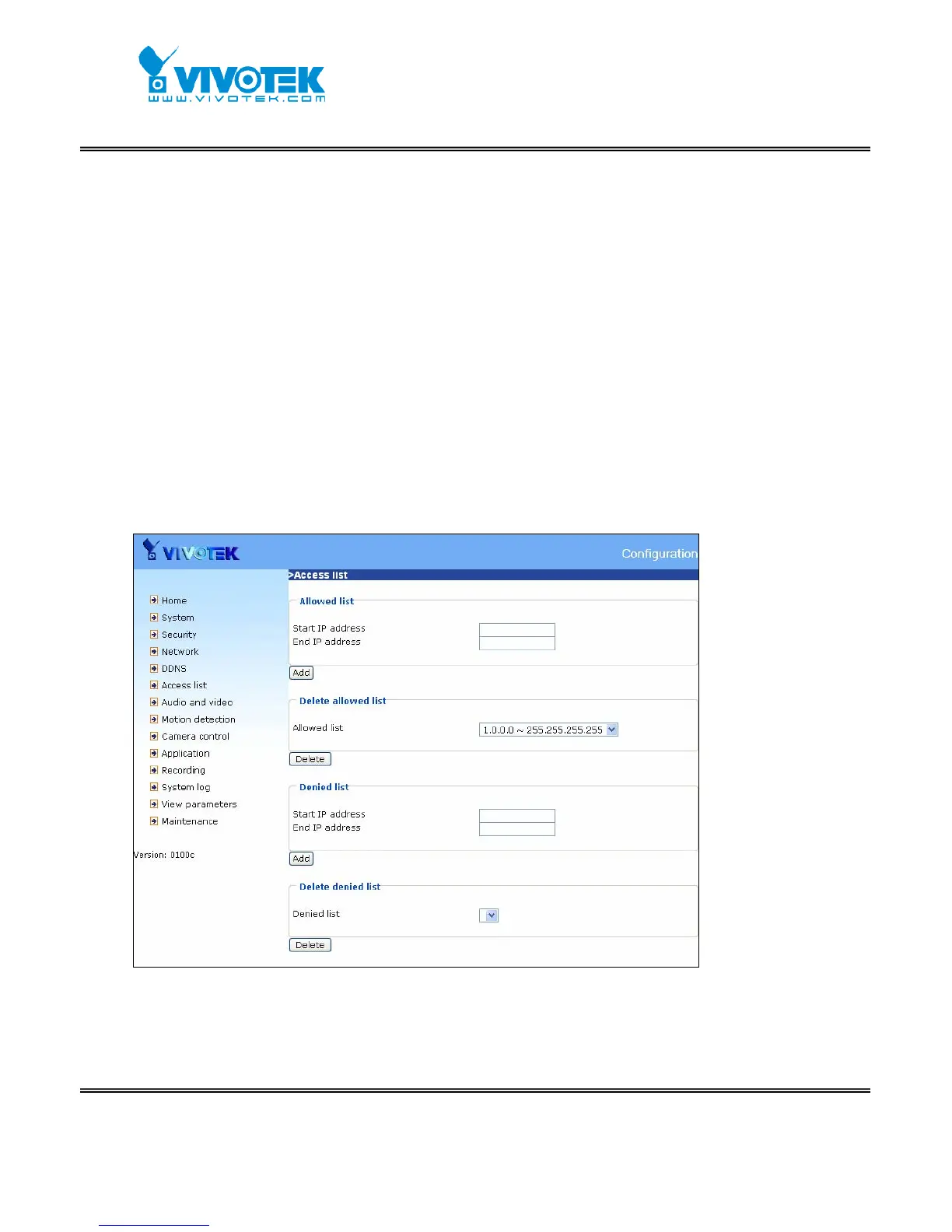
The access list is to control the access permission of clients by checking the client IP
address.
There are two lists for permission control: Allowed List and Denied List. Only those
clients whose IP address is in the Allowed List and not in the Denied List can connect
to the Video Server or Network Camera for receiving the audio/video streaming.
Both Allowed List and Denied List consist of a list of IP ranges. If you want to add a
new IP address range, type the Start IP Address and End IP Address in the text
boxes and click on the Add button. If you want to remove an existing IP address range,
just select from the pull-down menu and click on the Delete button.
Both the Allowed List and Denied List can have 10 entries.
<url> http://<Network Camera>/setup/accesslist.html
<Network Camera> is the domain name or original IP address of the Network Camera.



 To Next Page