- 53 -
www.vivotek.com
T: 886-2-82455282
F: 886-2-82455532
<url>
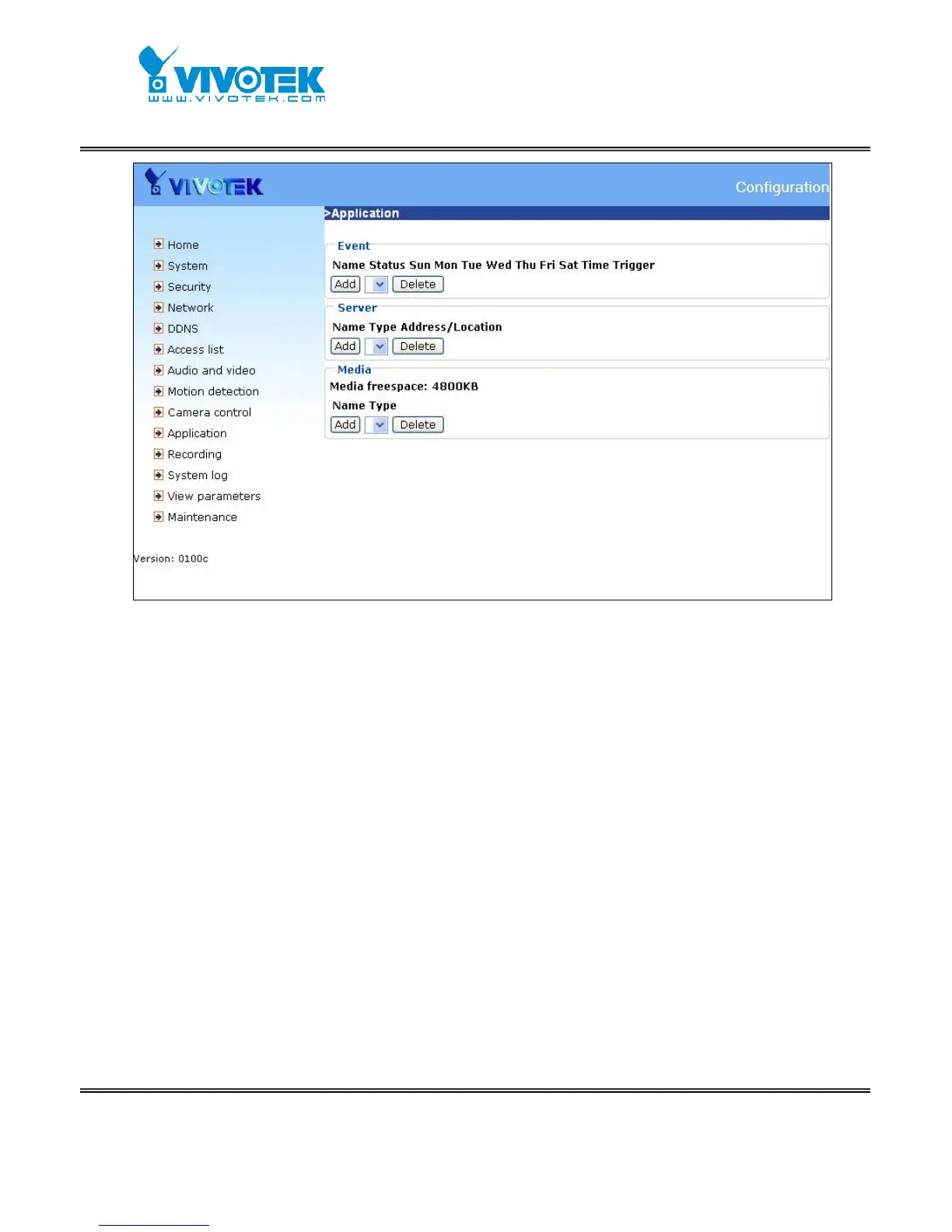
http://<Network Camera>/setup/application.htm
<Network Camera> is the domain name or original IP address of the Network Camera.
Event
“Event name” The unique name for event
“Enable this event” Check it to enable this event.
“Priority” The event with higher priority will be executed first.
“Delay second(s) before detecting next event” The delay to check next event. It
is used in motion detection and digital input trigger type.
There are four kinds of trigger supported.
“Video motion detection” Select the windows which need to be monitored.
“Periodic” The event is triggered in specified intervals. The unit of trigger interval is
minute.
“Digital input” To monitor digital input
“System boot” The event is triggered when the system bootup.
The weekly and time schedules are provided.



 To Next Page