- 44 -
www.vivotek.com
T: 886-2-82455282
F: 886-2-82455532
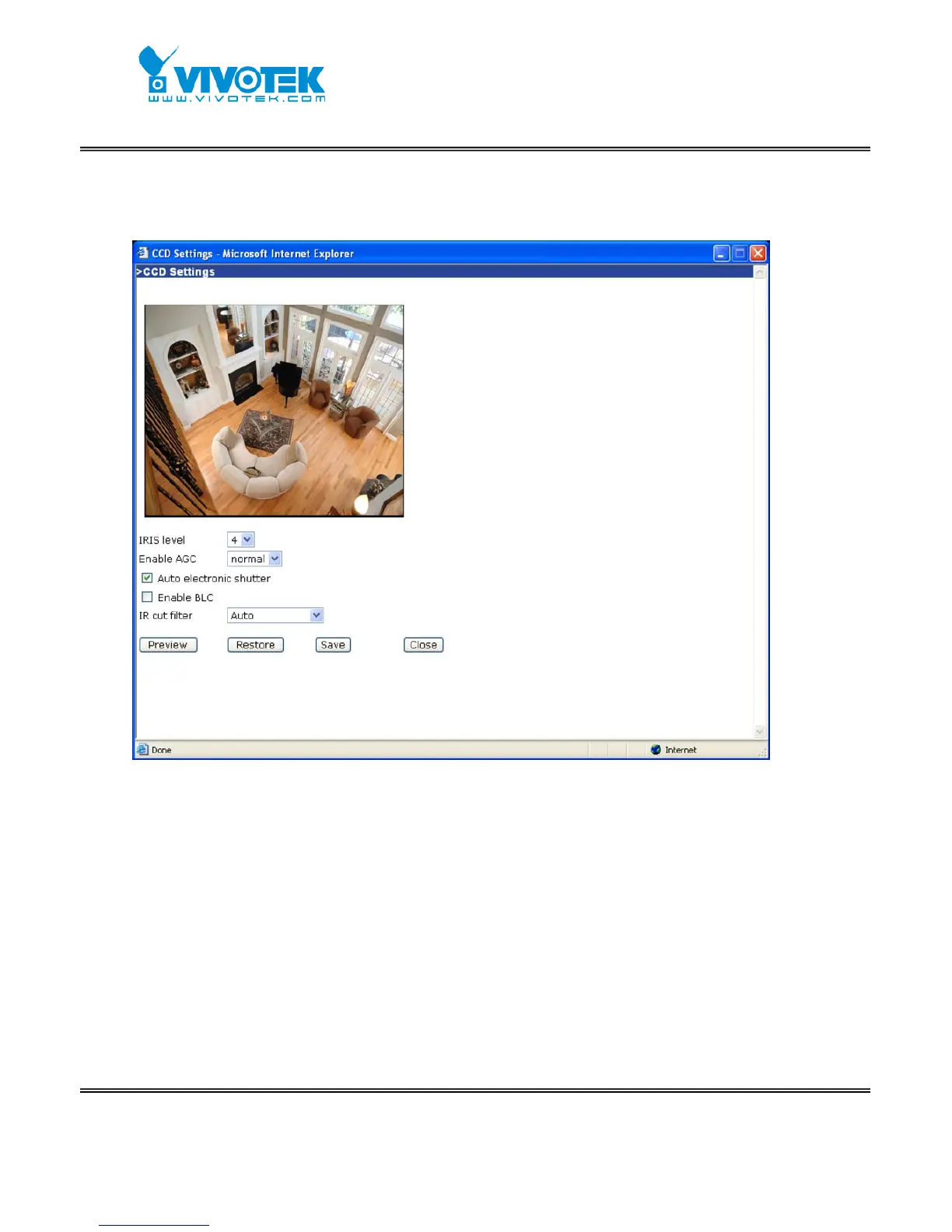
CCD Settings
Click on “CCD Settings” button, the CCD settings window will pop up.
“IRIS level” let users to adjust the aperture size of your auto iris lens.
“AGC” - automatic gain control, enable this to do MAX AGC, otherwise NORMAL AGC
is done.
“AES” - auto electronic shutter, enable this will let CCD sensor adjust electronic
shutter automatically. Disable this when auto iris lens is attached.
“BLC” - back light compensation, enable this will help to identify objects in front of
light source.
“IR cut filter” - When set to “Night mode”, the camera will be able to “see” infrared
light, it increases light sensitivity. Set to “Auto” to automatically turn the filter off when
the available visible light falls below the minimum requirement. In “Schedule mode”,



 To Next Page