- 58 -
www.vivotek.com
T: 886-2-82455282
F: 886-2-82455532
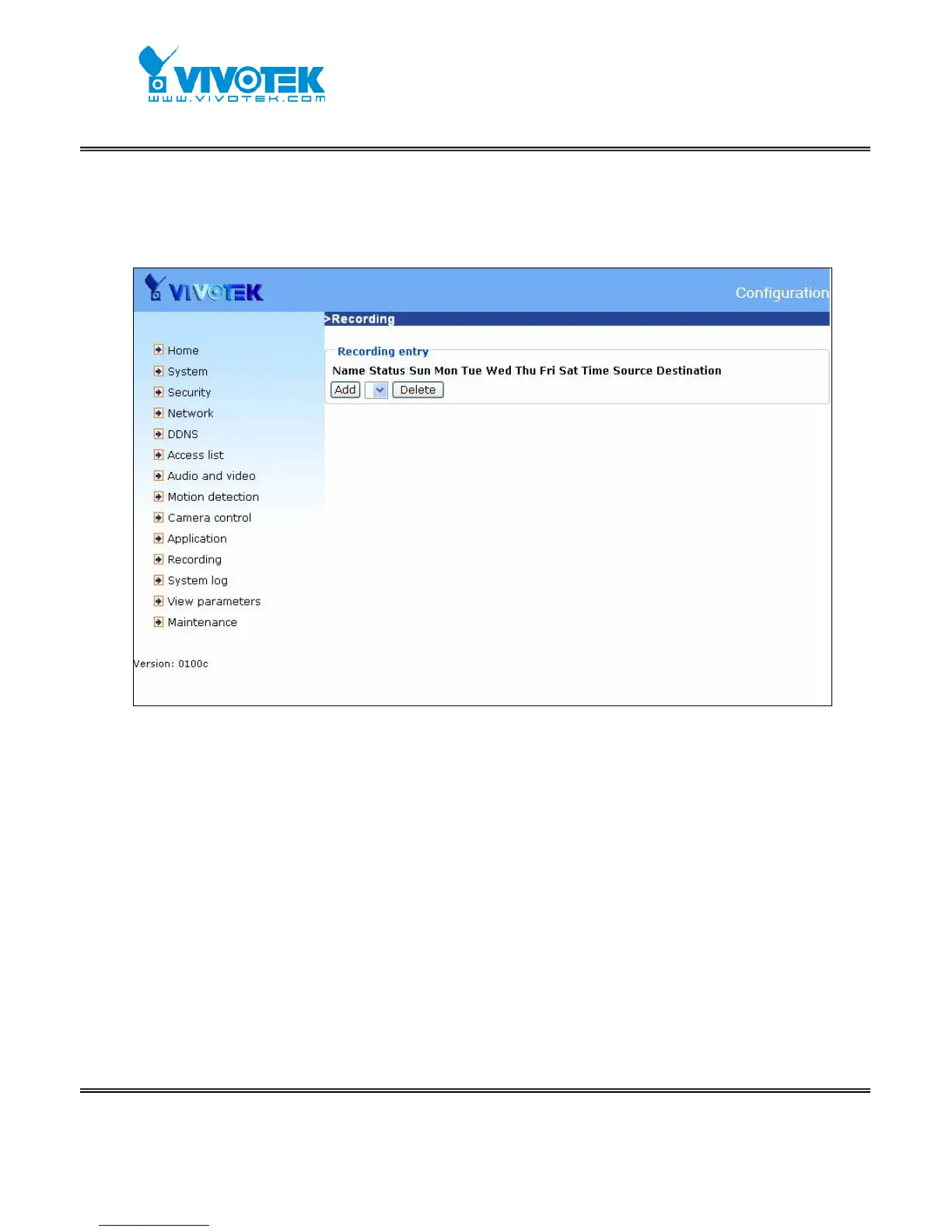
recording item is the same as the one in application page. User can know the recording
name, status, weekly and time schedule, stream source and destination of recording.
There can be at most two recording entries. To do recording on network storage, please
add network storage server in application page first.
<url>
http://<Network Camera>/setup/recording.htm
<Network Camera> is the domain name or original IP address of the Network Camera.
“Recording entry name” The unique name for recording entry
“Enable this recording” Check it to enable this event.
“Priority” The recording with higher priority will be executed first.
“Source” The source of stream, stream1 or stream2.
The weekly and time schedules are provided.
“Sun” ~ “Sat” Select the days of the week to perform the event.
“Time” shows “Always” or input the time interval.
“Destination” Network storage server user added.
“Total cycle recording size” The total size for cycle recording in Kbytes
“Size of each file for recording” The single file size in Kbytes



 To Next Page