VIVOTEK - Built with Reliability
68 - User's Manual
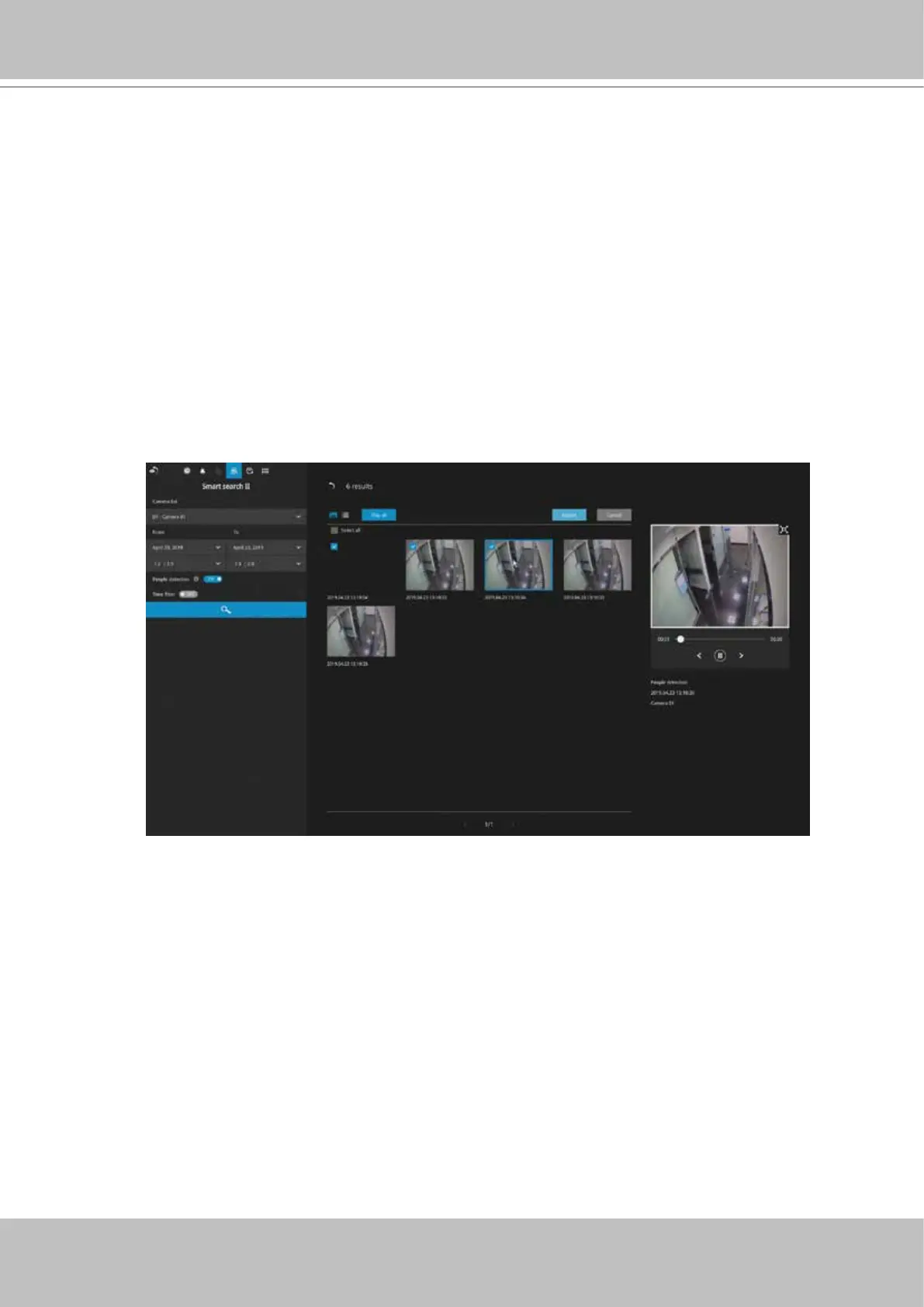
If you nd important events, use the Export function to mark the start and end points on
the timeline to export a video clip. By default, the export length varies depending on the
appearance of moving objects.
Instead of the thumbnail view, you can also change the display of search results using
the list view.
Note that when exporting video clips, each clip is selected using a small checkbox on
the upper left corner of the thumbnail.



 To Next Page