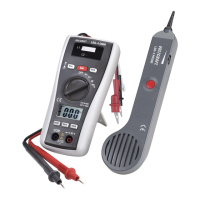
10.1 Switching the devices on/off
Briey press the operating button (10 or 16) to switch on the devices. For switching them off, hold the button (10 or
16) for about 2 seconds�
Before working with the cable detector, insert the endosed batteries� Insertion and changing of batteries is
described in the “Cleaning and care” chapter�
10.2 Measuring methods
The cable detector can be operated in three different modes� The receiver has a visual and an audible indicator in
all modes�
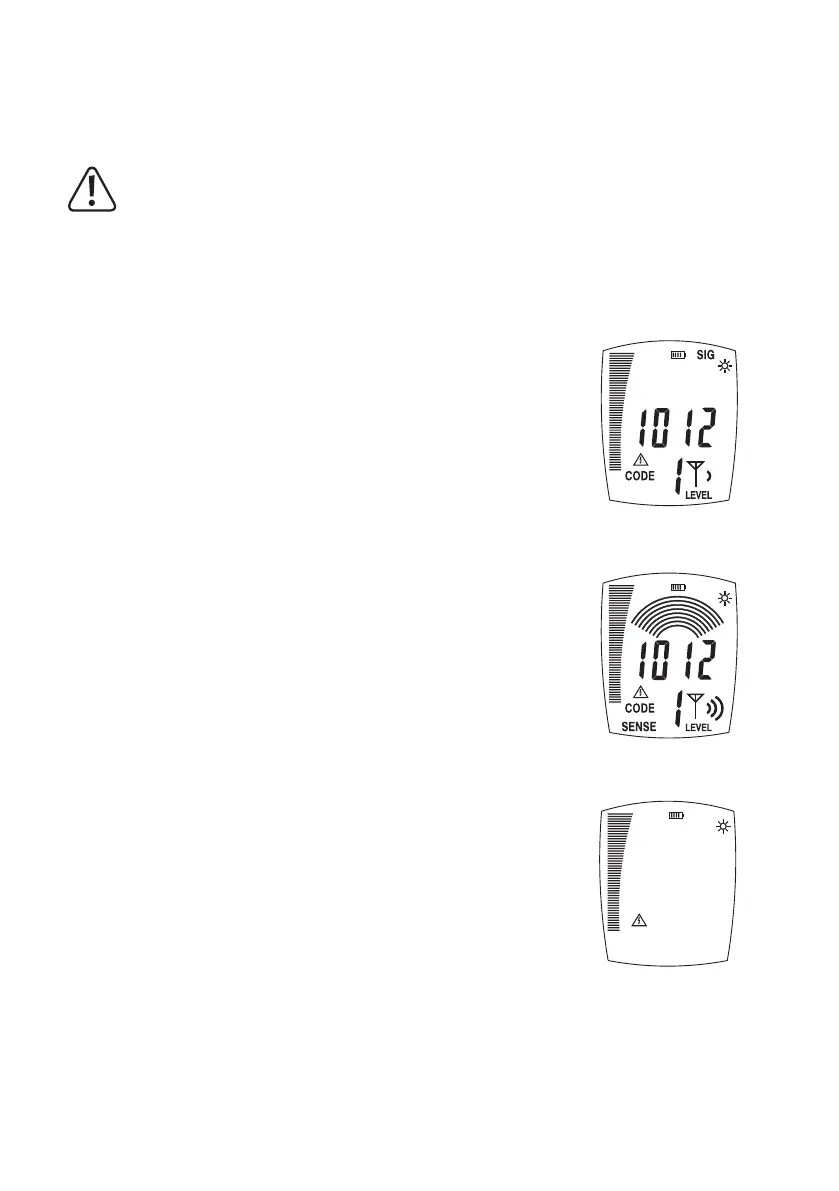
1
Automatic Mode
Automatic mode permits fast cable detection� No settings need to be made� The re-
ceiver automatically sets sensitivity to achieve the best measuring results�
2
Manual Mode
Manual mode is perfect for selecting cables or performing measurements at a higher
sensitivity� The sensitivity must be set manually�
Press “MODE” to switch to manual mode� “SENSE” is displayed�
The arrows (6 and 9) are used to set sensitivity� The arches displayed correspond
to sensitivity as an isolation symbol (few arcs = high sensitivity, many arches = low
sensitivity)�
Pressing “MODE” again will take you back to automatic mode�
3
Contact-free AC grid voltage detection “NCV”
The receiver makes it possible to nd and follow grid-voltage conducting cables in
walls, under plaster, etc� The signal strength is indicated in the left bar display� The
farther the bar deects, the stronger the AC signal.
To activate this function, press the button “NCV” (4)� Pressing it again will go back to
automatic mode�
35



 To Next Page