||
04 Internet map
04
102
Latitude and longitude
Enter destination with GPS coordinates.
First decide which method to use to enter the
GPS coordinates by highlighting
Format: +
OK. Then highlight one of the following
options + OK:
•
DD°MM'SS'' - position with Degrees,
Minutes and Seconds.
•
Decimal - position with Decimals.
Following which, enter the GPS coordinates
and then select one of the following options:
•
Set single destination
•
Save.
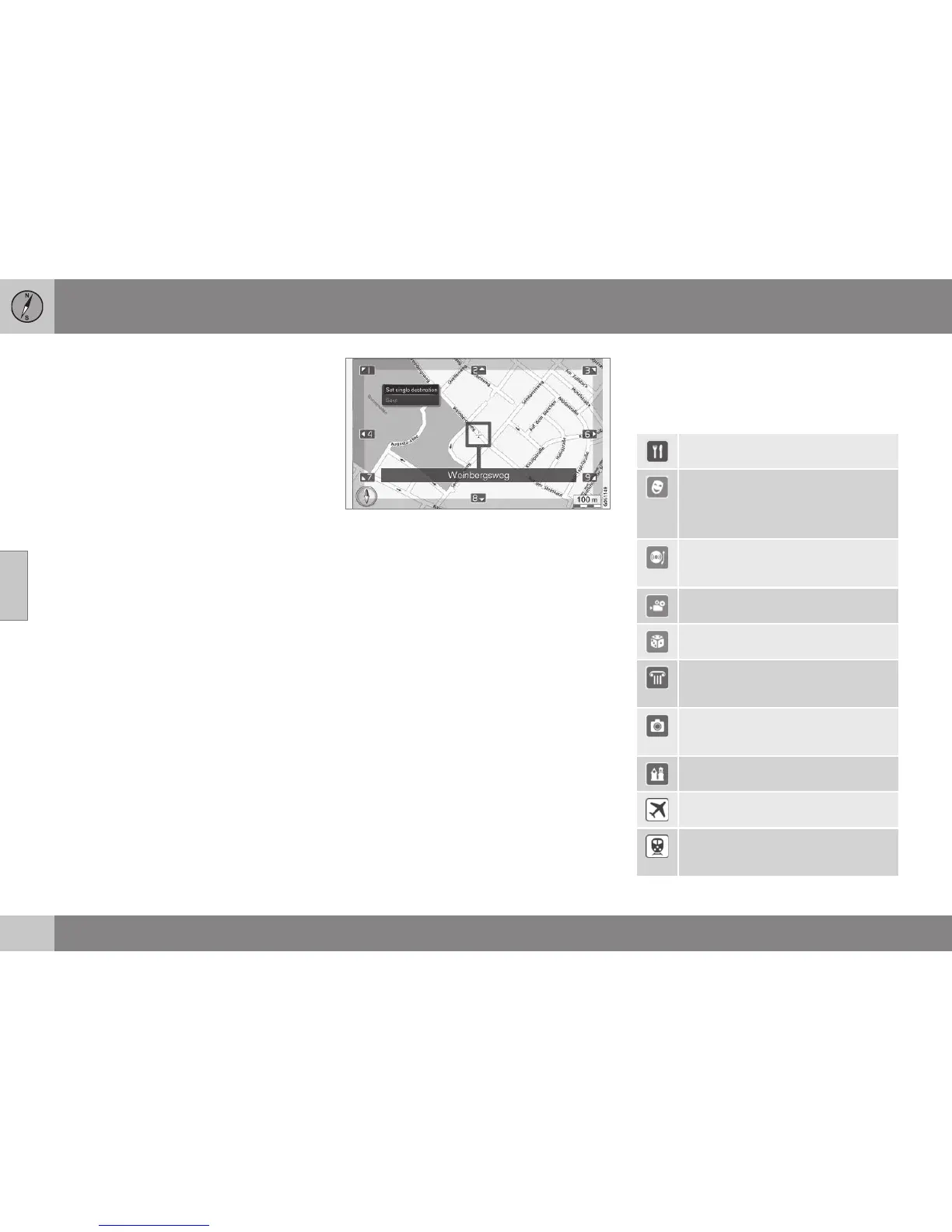
Point on the map
Shows the map with current location indi-
cated with a cursor.
Turn TUNE to change the map scale.
1. Move (scroll) the map with the numeric
keys, see (p. 100).
2. When the desired location has been
found - Press OK.
Cursor position is indicated with name.
Then choose between the following options
and activate with OK:
•
Set single destination
•
Save
Related information
•
Internet map - operation (p. 97)
Internet map - points of interest (POI)
symbols
Shown here are examples of how symbols for
different facilities may appear.
Restaurant
Drama
Music
Culture
Dancing
Nightclub
Cinema
Casino
Museum
Sight seeing
Landmark
Tourist attraction
Religious institution
Airport
Railway station
Commuter train station





 To Next Page