||
03 Audio and media
03
54
Phone connected as both phone and as media
device.
Related information
•
Audio and media - operating the system
(p. 28)
•
Media Bluetooth
®
(p. 53)
•
Bluetooth
®
handsfree phone (p. 57)
Registering a Bluetooth
®
device
It is possible to have two Bluetooth
®
devices
connected simultaneously. One phone and
one media device, which it is possible to
switch between. It is also possible to call with
the phone and simultaneously stream audio
files. It is possible to connect the car to the
Internet (p. 69) via the mobile phone's Inter-
net connection.
A maximum of 15 Bluetooth
®
devices can be
registered. Registration is performed once
per device. After registration the device no
longer needs to be visible/searchable, but
only has Bluetooth
®
activated.
NOTE
If the phone's operating system is updated
then it is possible that the registration of
the phone is interrupted. In which case,
disconnect the phone, see Removing a
Bluetooth
®
device (p. 57) and then
reconnect it.
Connecting an external device takes place in
different ways depending on whether or not
the device has been connected previously.
The connection options below presume that
this is the first time the device is being con-
nected (registered) and that no other device is
connected. The connection options show the
connection of a phone. Connecting a media
device (p. 53) is performed in the same way,
although it starts from the main source
MEDIA.
There are two possible ways of connecting
devices, either search for the external device
from the car, or search for the car from the
external device. If one option does not work
then try with the other.
If you are not already in the normal view for
the phone, press TEL in the centre console.
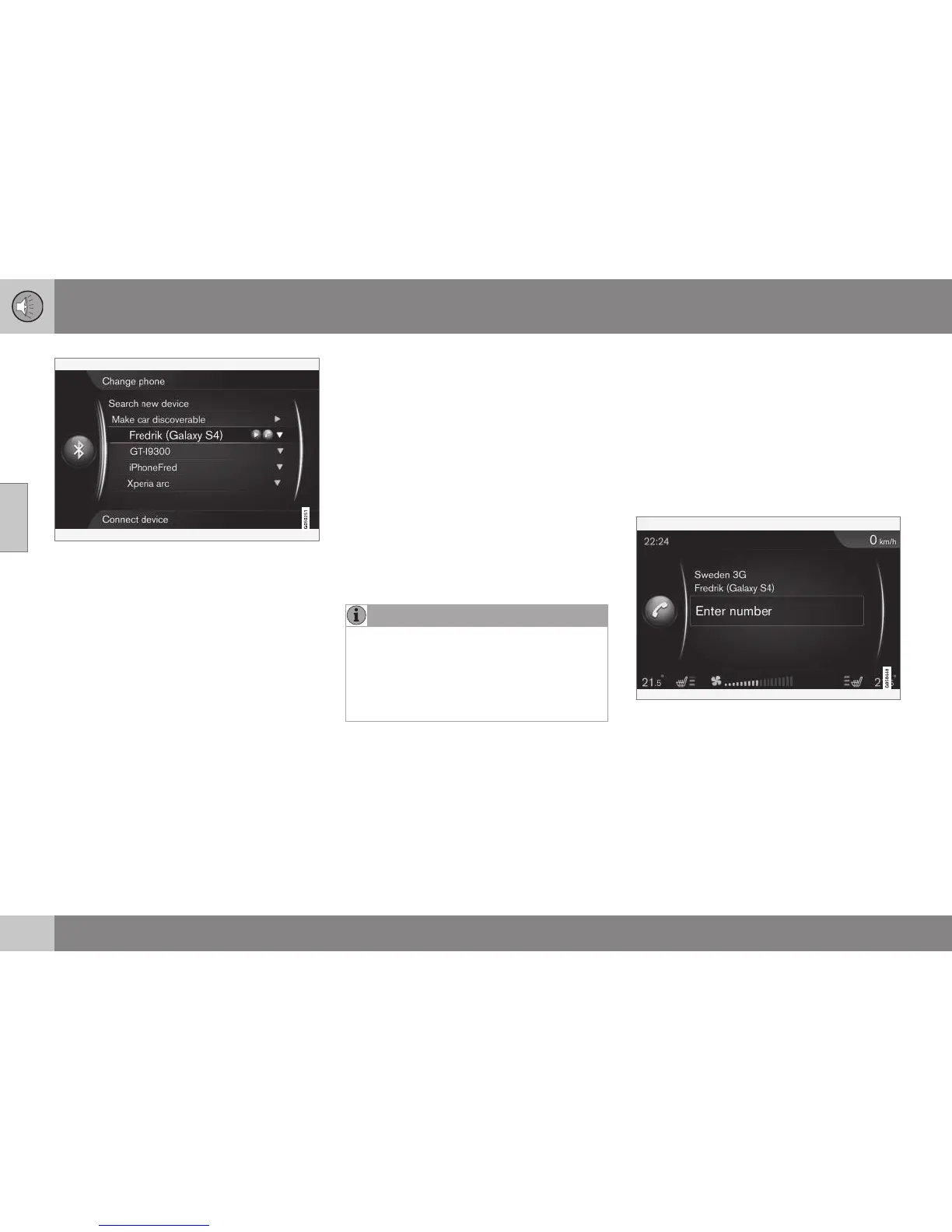
Example of normal view for the phone.
Alternative 1 - search for the external
device via the car's menu system
1. Make the external device searchable/visi-
ble via Bluetooth
®
, see the external devi-
ce's manual or www.volvocars.com.





 To Next Page