PROPixx User Manual
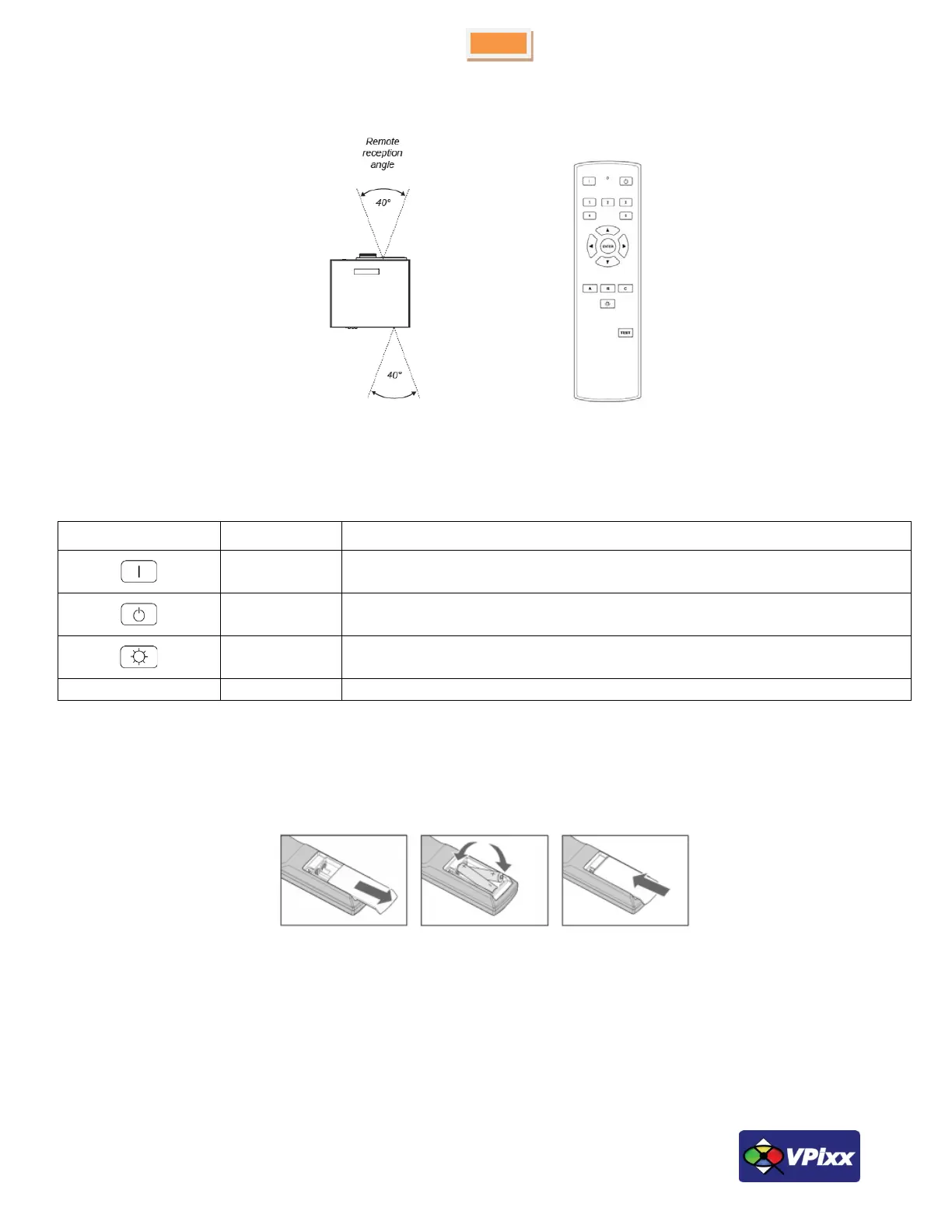
Remote controller
Figure 16 Remote controller
Table 2 Remote controller buttons
Press POWER ON on the remote control to switch the projector ON
Press POWER OFF on the remote control to switch the projector to SLEEP mode
Turn ON/OFF LED light source
Inserting batteries into the remote control
Open the battery compartment and insert two AA batteries, ensuring that they are inserted with the orientation shown
below.
Figure 17 Remote controller battery installation
Installation test pattern
For a perfect installation and screen geometry, you can use your PROPixx projector in test mode. To do this, simply
press the TEST button followed by the A button on the remote control. You can do this same sequence for tests B and C.
Press the test button twice to return to the normal mode.



 To Next Page