VuStream 150 – User Guide
© 2019 VuWall Technology, Inc. 10
Recording
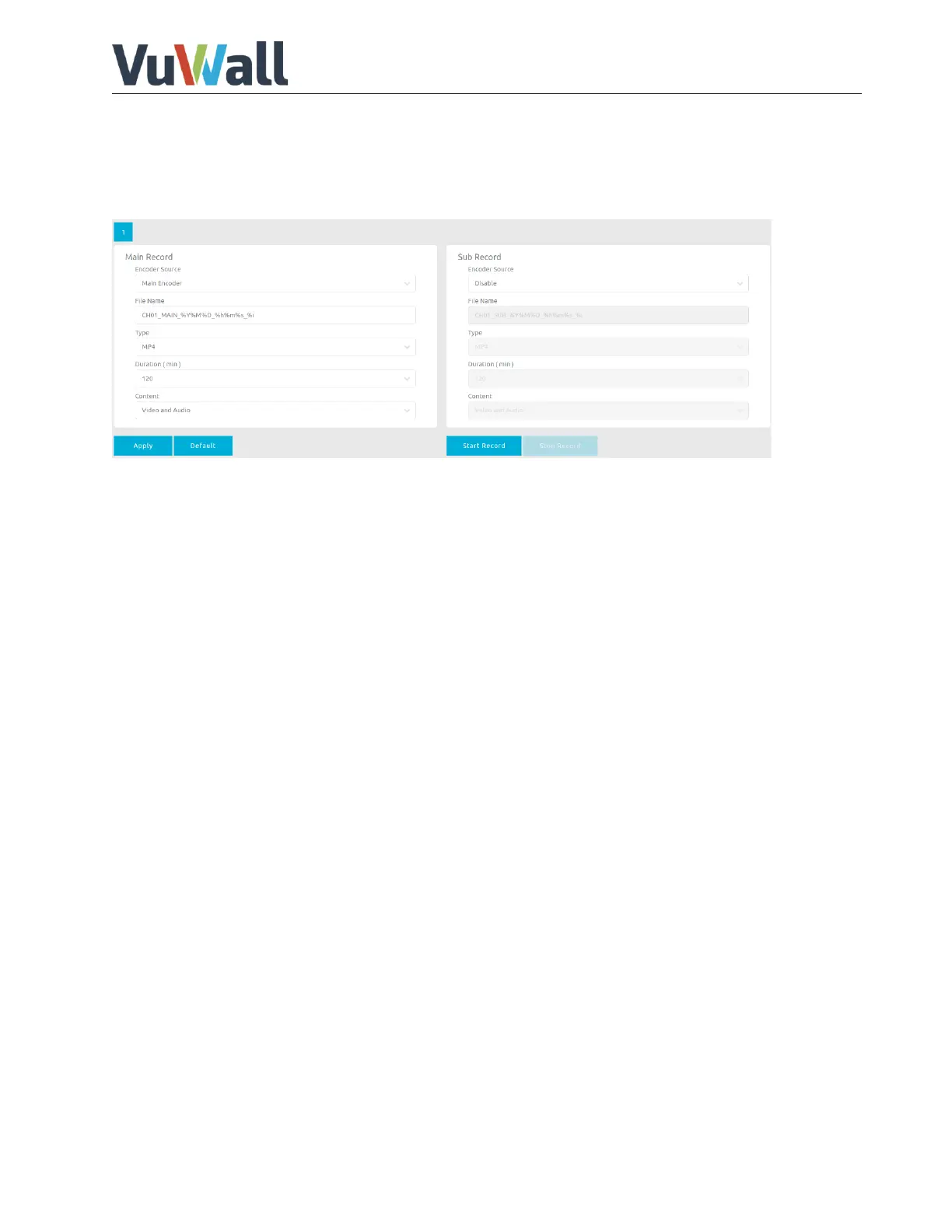
Record page allows user to change the video format that recorded to USB3.0 (front) disk drive.
Recording is only available when VuStream 150 device is used as encoder.
Sub Record only available with Hardware Version 2.0
The following Main Recording settings can be adjusted:
Encoder source: Select encoder.
File name: Enter file name.
Type: MP4, TS or MOV
Duration: Max. recording time, unlimited, 120, 60, 30, 5 or 1 minute.
Content: Video and Audio, Video only or Audio only.
Click Apply to confirm settings.


 To Next Page