11 vwr.com I Instruction manual VWR
®
PCR Cycler XT
96
All functions of the thermal cycler will be served by operating elements explained in the following
chapters. An operating element is activated by touching the screen or clicking the mouse.
Operating elements which are not available in an actual operating mode are displayed in a grey
colour. Not all operating buttons are available in each operating mode.
Turn on the cycler using the power switch on the back panel of the Cycler. When the PCR Cycler XT
96
starts, it runs a self-test to verify proper functions and then displayed the RUN screen.
To open the lid, press the butten on the lid gently.
Place the reaction vessels into the 96 well block. To ensure uniform heating and cooling of samples,
reaction tubes must be in complete contact with the block. Block must be clean.
Press the lid downwards till the lid locks, the height of the heating lid will be adjusted automatically.
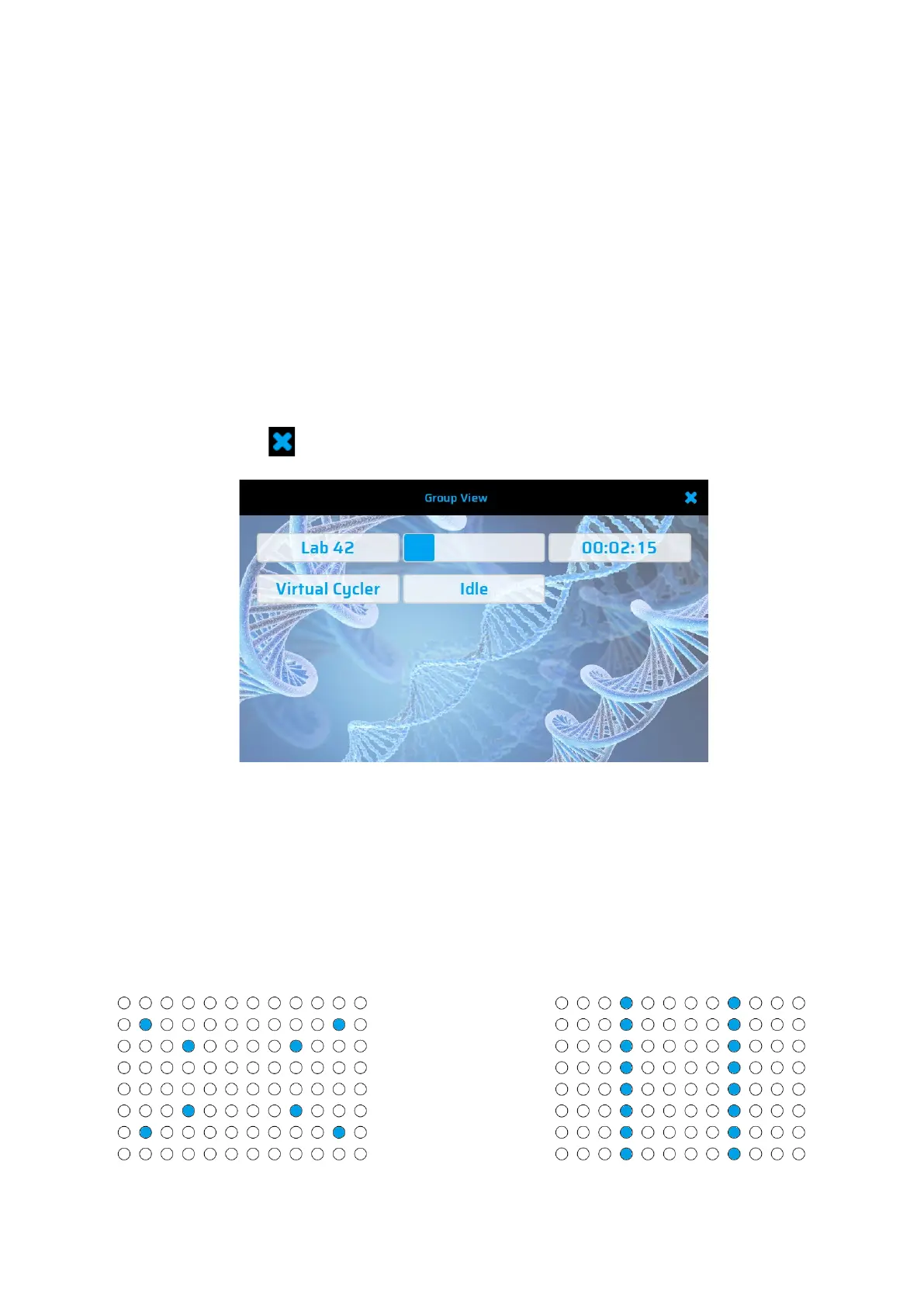
If the touch screen of the Thermal cycler will not be used for at least 2 minutes, a group view will be
shown. Displayed information is: Thermal cycler connected to this device, status of each cycler and
time remaining. Press to close this screen.
Did you know?
Shorter PCR protocols and moderate temperatures (8°C – 10°C) in the “Store-Step” will reduce the
power consumption of your PCR Thermal cycler dramatically. For saving energy and prevent excessive
condensation.
Tube and Strip:
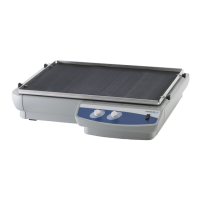
To enable a homogeny pressure of the heating lid, distribute single tubes and strips over the whole
block. When using only one or a few tubes – load at least one empty tube in each corner of the block.
Fig : Ideal positioning Tubes and Strips


 To Next Page