15 vwr.com I Instruction manual VWR
®
PCR Cycler XT
96
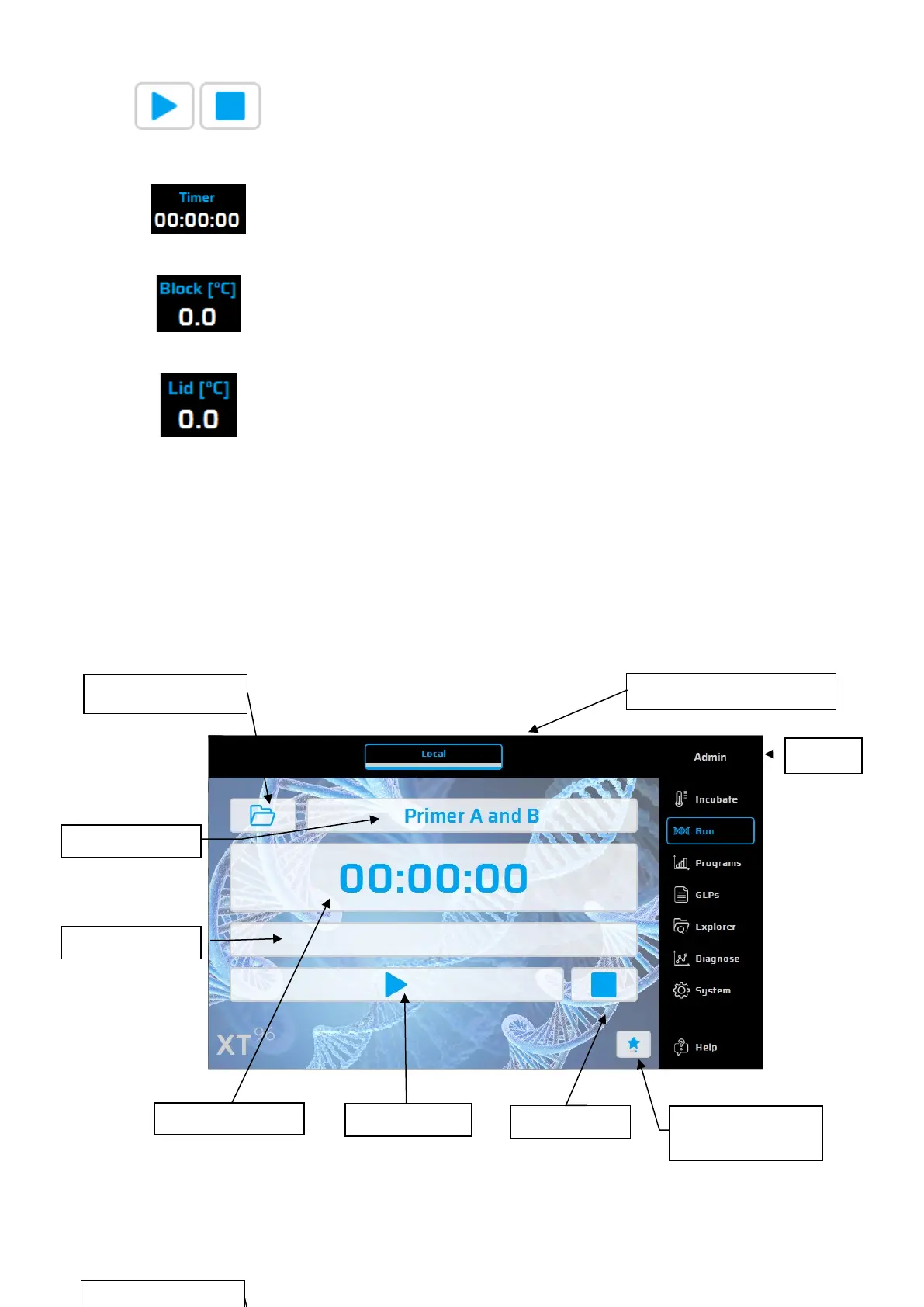
Use this button to start and quit the incubation mode. Heating of the thermal plate
and lid are then activated / deactivated.
The clock shows the time passed by in the incubation mode.
Current temperature of the thermal plate.
Current temperature of the lid heat.
Run dialogue
The Run dialogue is used for running and monitoring existing PCR protocols. Two versions are available,
the “Simple Mode” with reduced information or the “Expert-Mode” with access to all main functions.
Run dialogue: Overview – “Simple Mode”
The following functions are found in the 'Run' dialogue:
Expert Mode /
Simple Mode


 To Next Page