7
TEBS E
External systems
136
7.2 Trailer Remote Control
Application
In every towing vehicle in combination with ELEX and version TEBS E2 or higher.
Purpose
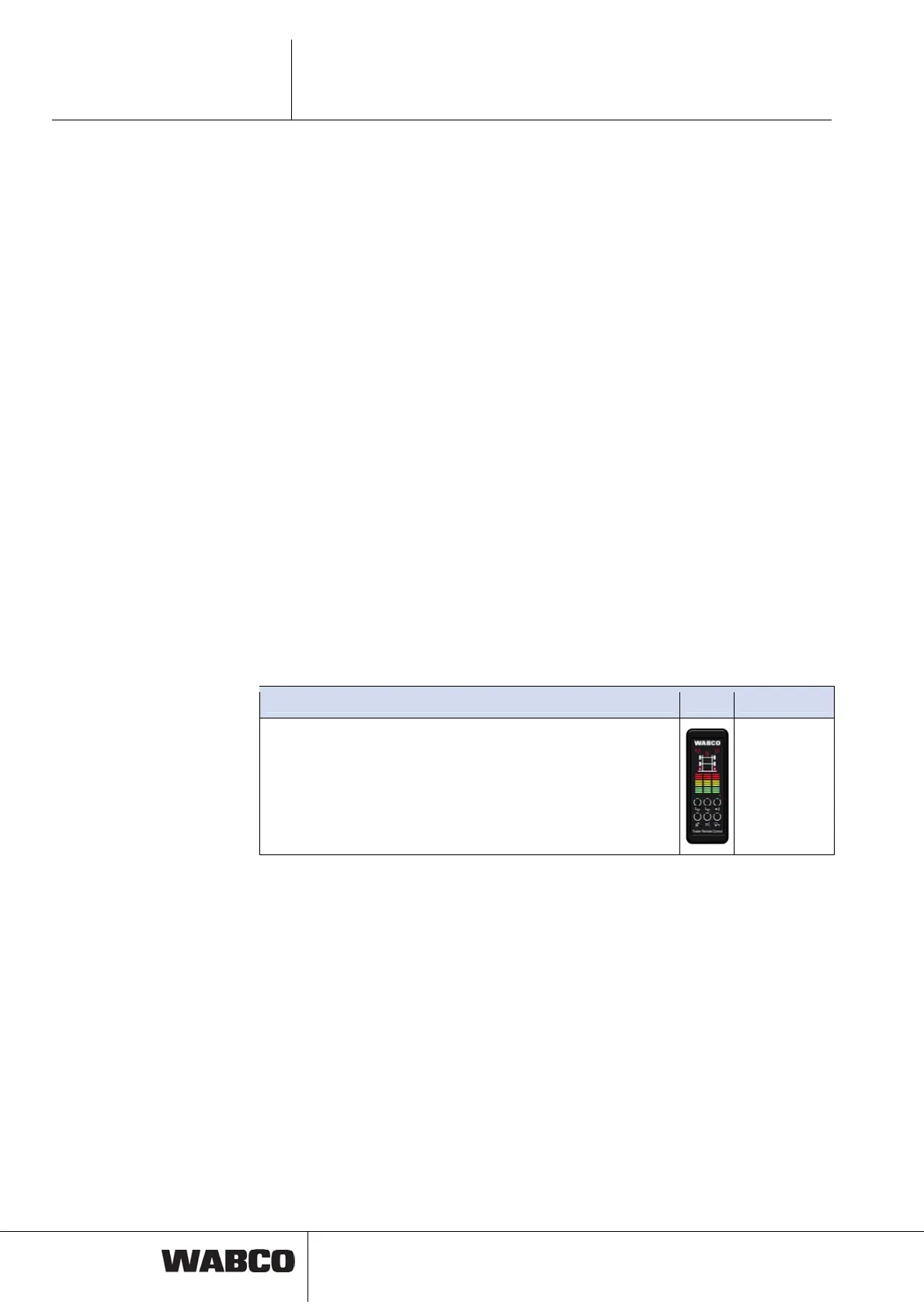
Trailer Remote Control is a display and remote control unit for TEBS E functions
and a distance display for TailGUARD functions in the trailer.
Function
The Trailer Remote Control will be mounted in the driver cabin. With this remote
control unit the driver can operate functions in the trailer, observe the status of dif-
ferent functions and prepare vehicle for loading and unloading procedures.
If TailGUARD function is installed, distance and positions of detected object can be
shown visual and acoustic via Trailer Remote Control.
When turning on the supply voltage to the Trailer Remote Control a short acoustic
and visual text will be carried out (0.5 seconds). The actual system configuration
that is stored in TEBS E will be transferred to the Trailer Remote Control via PLC
(Power Line Communication). The key assignment preconfigured in the TEBS E
will be verified against the transferred system configuration. The available functions
will be shown with lighting buttons.
Installation
Please refer to the documents ‘Trailer Remote Control – Installation and connec-
tion instructions’ see chapter 4 ‘Introduction’, page 12 => Se
ction ‘Further informa-
tion’ for a detailed description of Trailer Remote Control installation and connection.
Components
Component Figure Part number
Trailer Remote Control
Can only be used in combination with ELEX and version TEBS E2
or higher.
Connecting cable between Trailer Remote Control and fuse box in
the truck and a bracket are included in delivery.
446 122 080 0
Operation
Information on operation, see chapter 10.2 ‘Operation with Trailer Remote Control’,
page 172 an
d ‘Trailer Remote Control – Operating Instructions’ see chapter 4 ‘In-
troduction’, page 12 => Se
ction ‘Further information’.
Parameter setting
The connection to the Trailer Remote Control is activated in tab 10, ELEX (Com-
munication to TRC active).



 To Next Page