5-20 BA E14 track en* 1.3 * E14t_13_510.fm
5 Operation
ISO/SAE controls (option)
The standard equipment of the vehicle includes ISO controls. SAE
controls are available as an option. This results in a different control lever
operation.
Accident hazard due to modified control mode!
Modified controls can cause incorrect operation, and serious injury or death.
► Before starting work, check the selected control type.
The push button to change the control mode is located on the switch panel
on the right.
Switching from ISO to SAE controls and vice versa:
Switching is only possible when the engine is running.
1. Raise the control lever base on the left
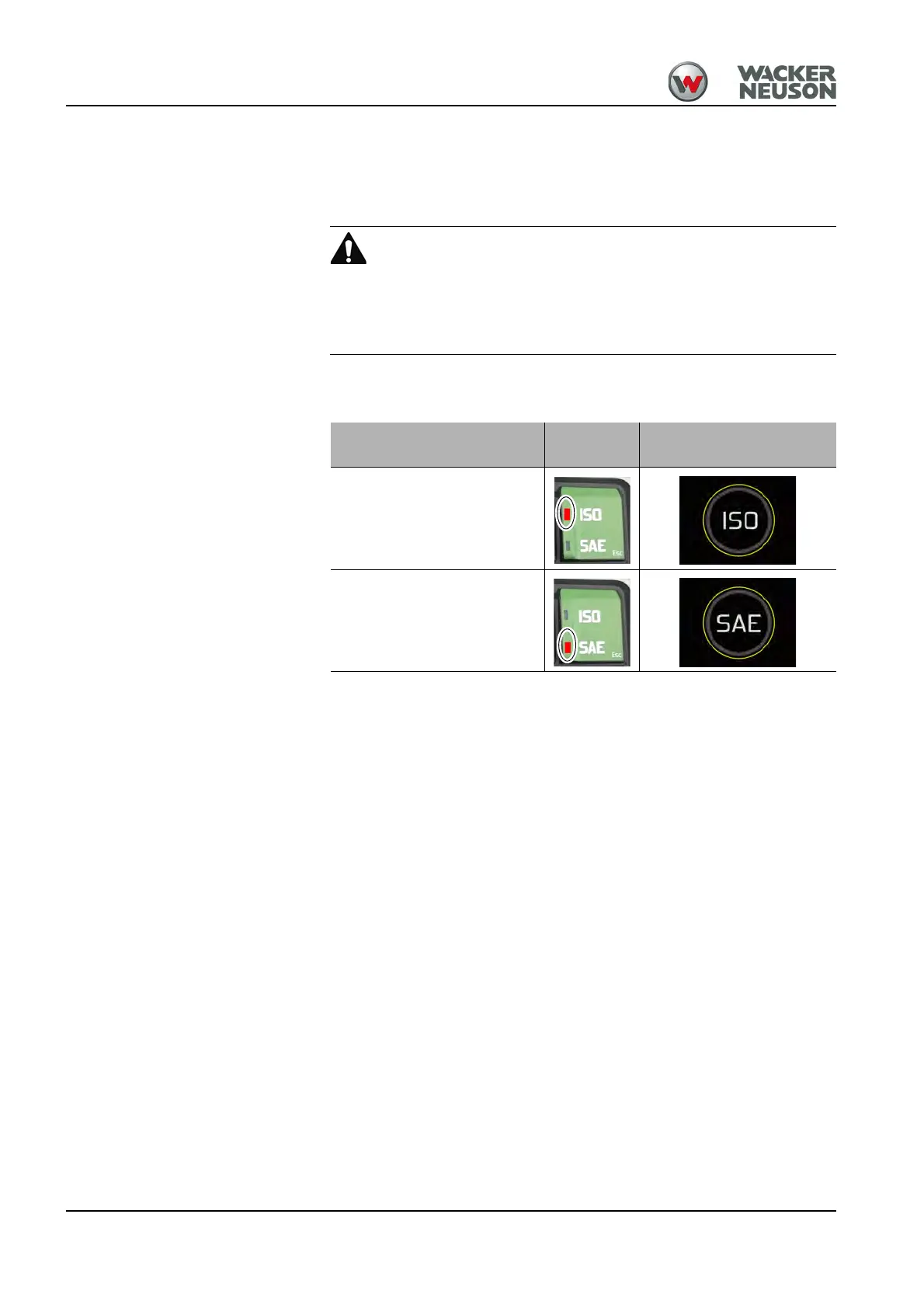
2. Press the ISO/SAE button for 5 seconds until the corresponding on-
screen display appears.
Function
Push but-
ton
Pop-up window
ISO controls
SAE controls











 To Next Page