7-42 BA E14 track en* 1.3 * E14t_13_700.fm
7 Maintenance
Checking the engine oil level
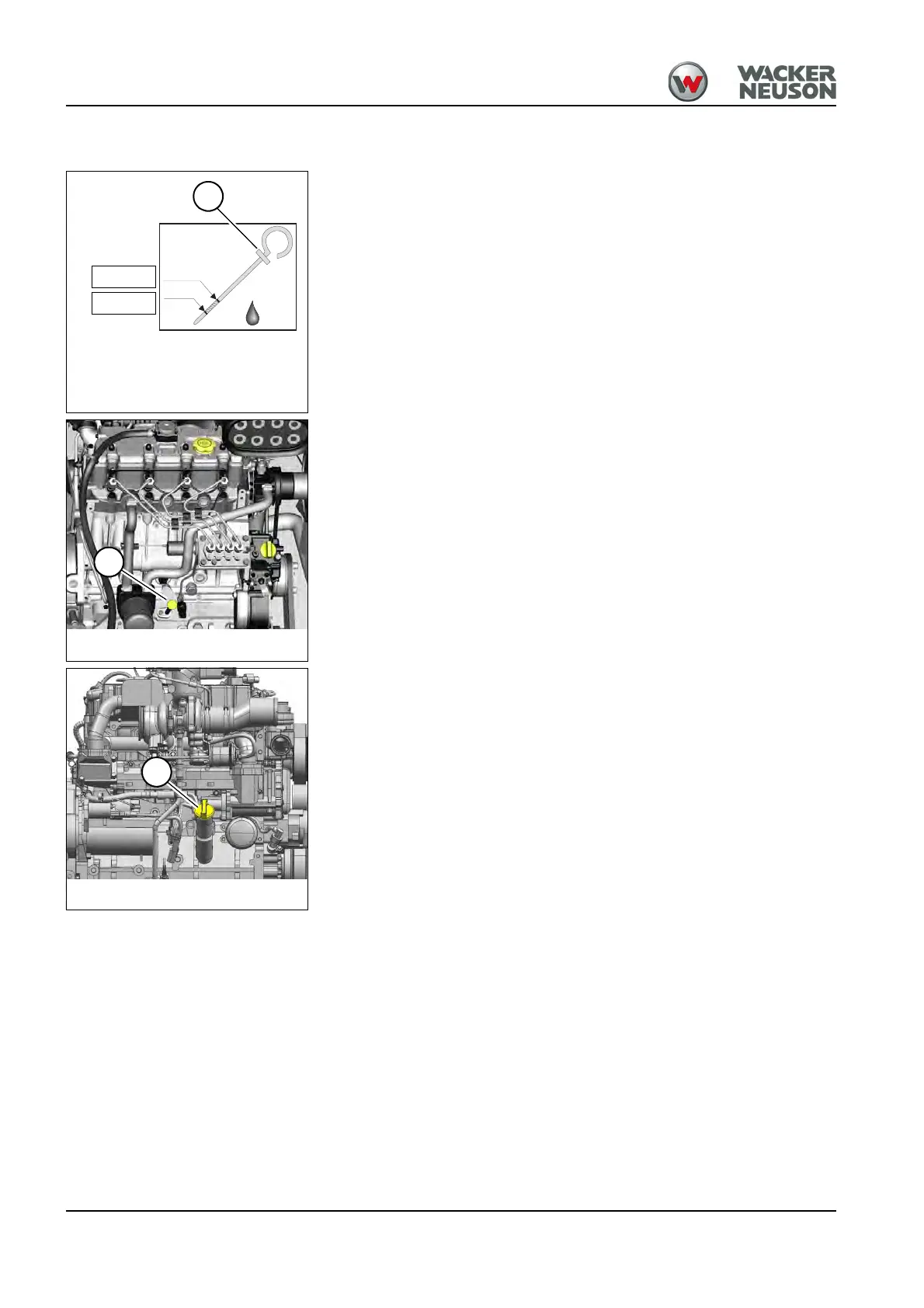
1. Stop and park the vehicle. Stop the engine. See “Preparing
lubrication”.
2. Open the engine cover.
3. Wipe the area around oil dipstick A with a lint-free cloth.
4. Pull out oil dipstick A and wipe it with a lint-free cloth.
5. Slide in oil dipstick A completely.
6. Withdraw it and read off the oil level.
➥ The oil level must be between the MIN and MAX marks.
➥ Add engine oil if necessary.
7. Slide in oil dipstick A completely.
8. Close and lock the engine cover.











 To Next Page