4-40 BA E14 track en* 1.3 * E14t_13_400.fm
4 Putting into operation
Status indicators
Symbol
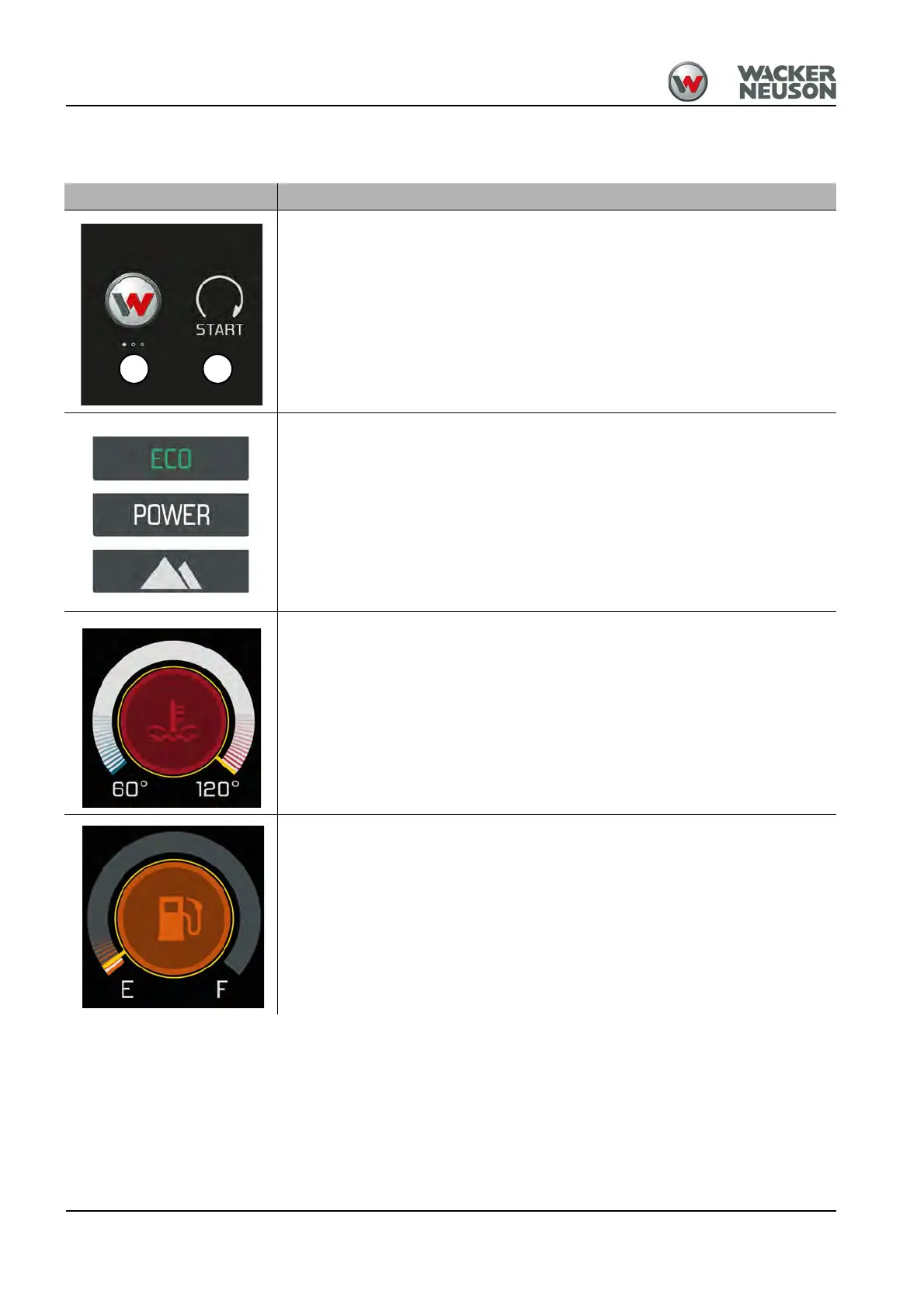
Starter/engine start
• A: starting key in position 1
• B: engine starts
Engine operating mode
– see chapter “ Engine operating mode” on page 5-2
Coolant temperature
If the coolant temperature is too high the symbol shown on the left appears and
the buzzer sounds.
• Let the engine run at high idling speed without any load.
• Wait until the temperature drops and the indicator light goes out.
• Stop the engine.
• Check the coolant level.
Fuel tank capacity
Refuel if the symbol shown on the left appears.











 To Next Page