Contents
Index
Contents Index
31
31
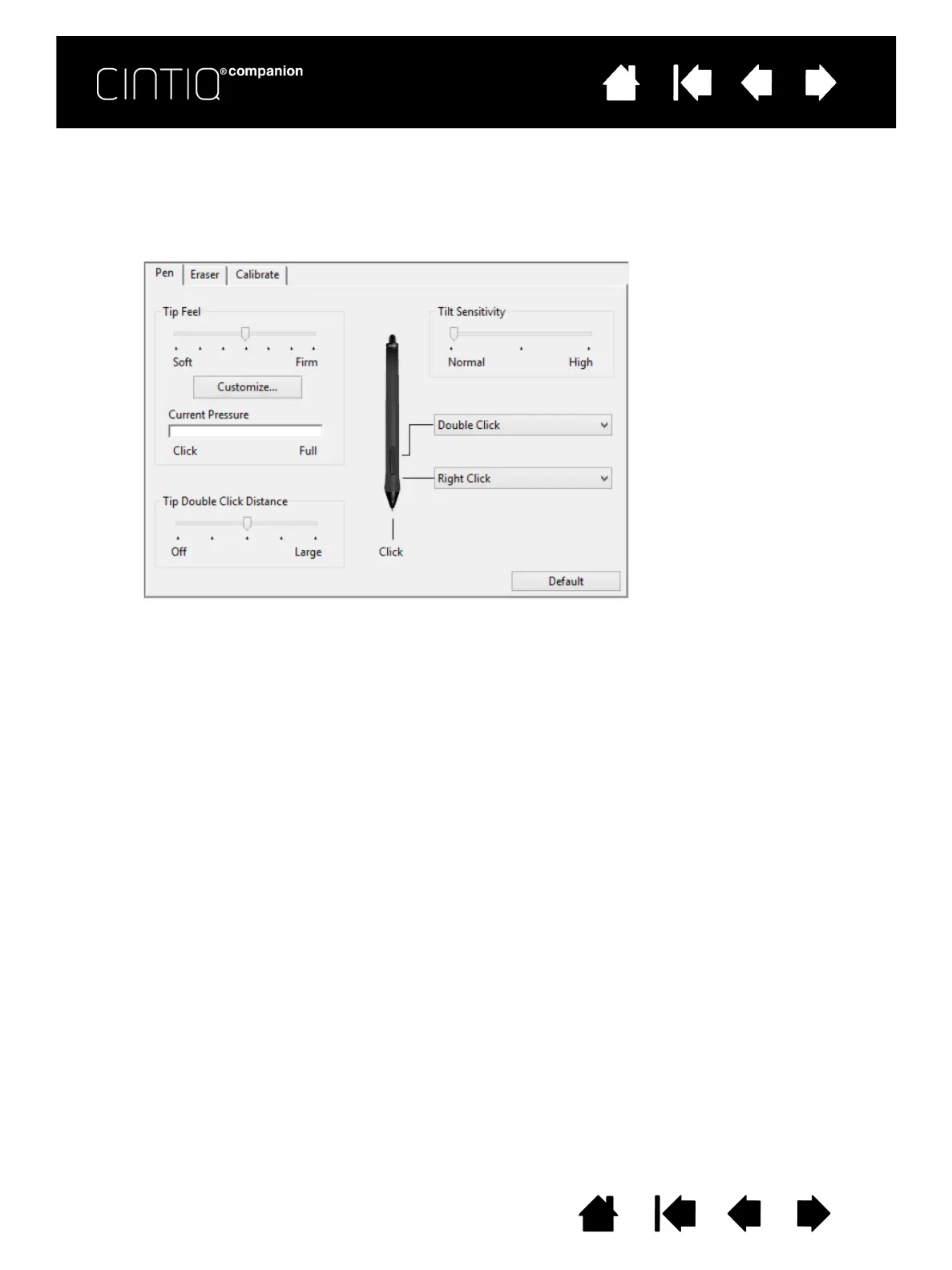
CUSTOMIZING TILT SENSITIVITY
To adjust the tilt sensitivity of your pen, select the PEN tab. Tilt sensitivity determines how far you have to tilt
the tool to produce the maximum tilt effect. You need to tilt the pen less at high sensitivity than at low
sensitivity.
Visit the Wacom web site to learn about applications that currently support tilt.
Drag slider to increase or decrease
T
ILT SENSITIVITY. Test the new
setting in an application that
supports tilt.
The tilt setting applies to both the
tip and eraser of your tool.
Tilt is direction sensitive and can
be used in some applications to
control brush orientation or other
characteristics.












 To Next Page