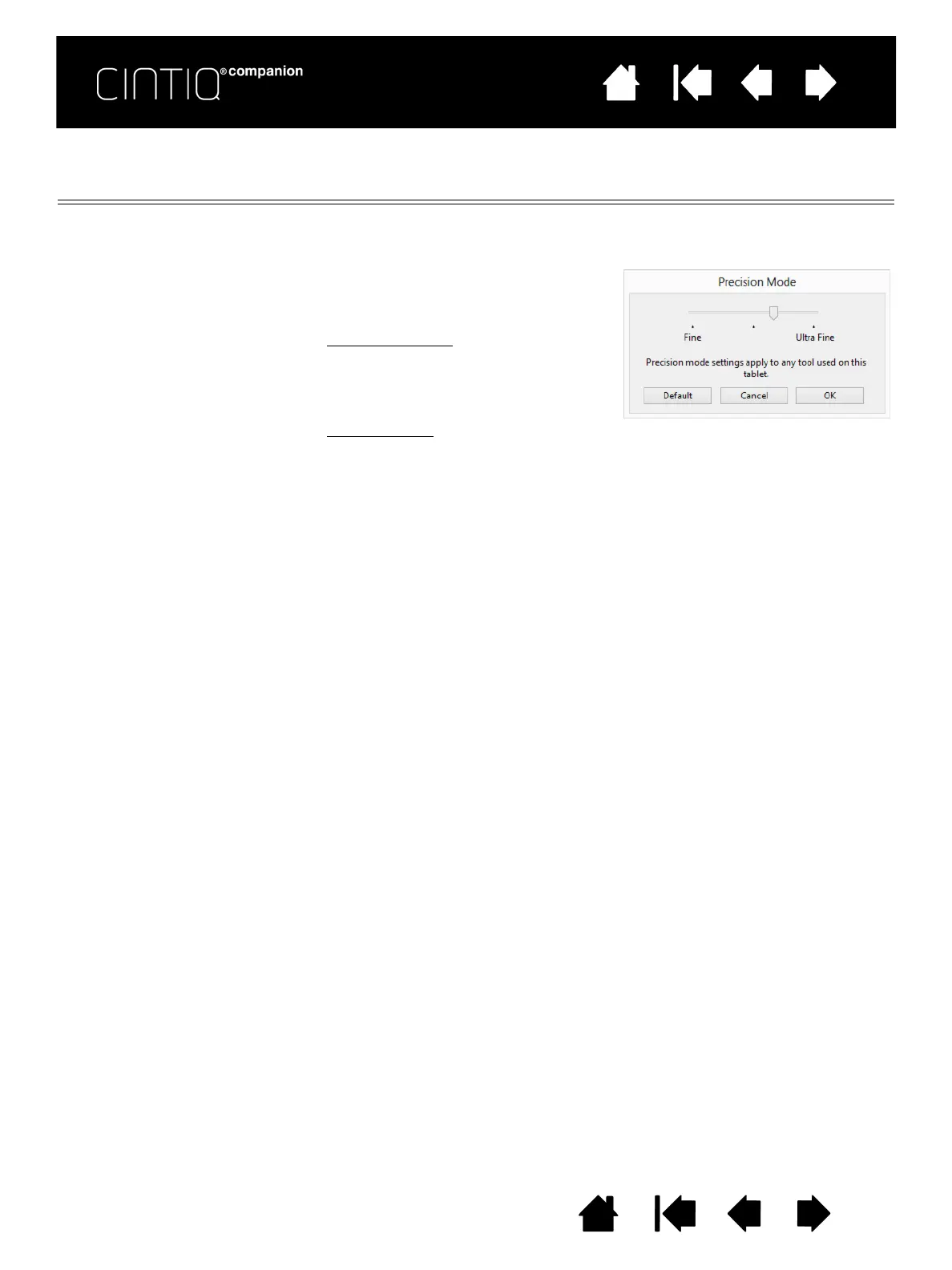
You can adjust the precision setting when
assigning this function to a tool button.
To activate:
• For extensive use
, toggle on PRECISION
M
ODE by pressing a tool button to
which the function has been assigned.
Return to normal mapping by again
pressing the tool button.
• For quick edits
, press and hold a tool
button to which the function has been
assigned. Normal mapping returns
when you release the button.
When using a tool in mouse mode, screen
cursor movement is adjusted to act as if
acceleration were off and speed set to slow.











 To Next Page