59
59
Index
Contents
IndexContents
TESTING THE MOUSE
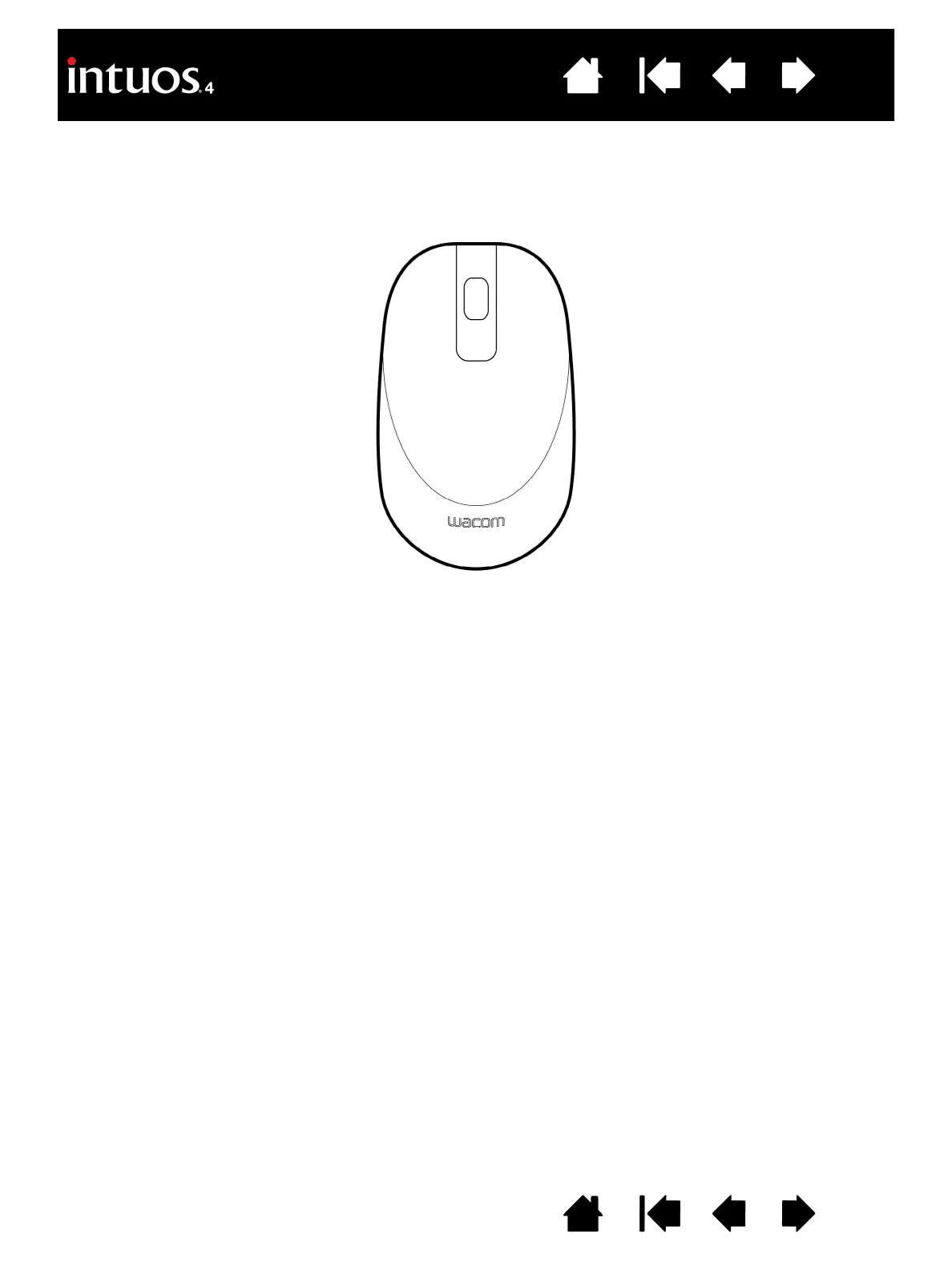
1. With the DIAGNOSTICS dialog box open, place the Intuos4 Mouse on the tablet’s active area and test by
clicking each mouse button. A tablet status LED should brighten, and the S
WITCHES state should change
for each button you click.
2. When the D
IAGNOSTICS dialog box is first opened the WHEEL status should be 0. Move the fingerwheel
backward. The W
HEEL status should change from 0 to +1.
3. Move the fingerwheel forward. The W
HEEL status should change to -1.
4. When you are done, click on the C
LOSE button to exit the dialog box.


 To Next Page
 Loading...