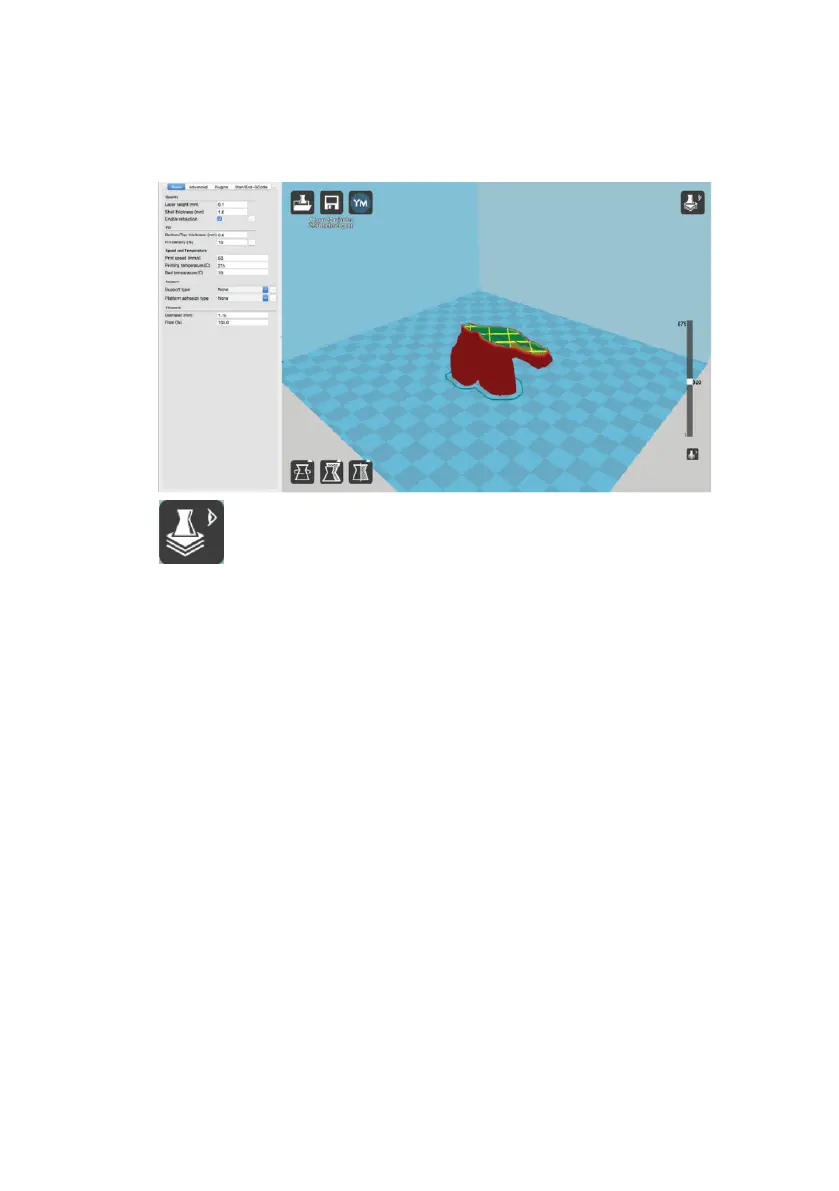
View Mode
This mode allows you to view your model in a variety of different ways.
This can be helpful for spotting issues before the print even starts.
This is the standard view and shows the solid outer surfaces of the model.
Normal
Overhang
Overhang mode shows where your model may need support material. Red highlighted areas show
overhangs and more severe angles and areas where support material is recommended. Refer to
page 38 for information on how to add support material to your model.
Ghost
Ghost view mode makes the model translucent to allow you to see what is behind it.
Xray
Xray is very similar to Ghost mode. It will allow you to see into objects, ensuring that inner details
are correct.
Layers
To view the toolpath of your print head and to ensure no skipped layers or gaps, use this option.
Use the slide bar on the right hand side of the window to move up and down through the
toolpath layers.
Using Cura
31














 To Next Page