3.4 Multi-View
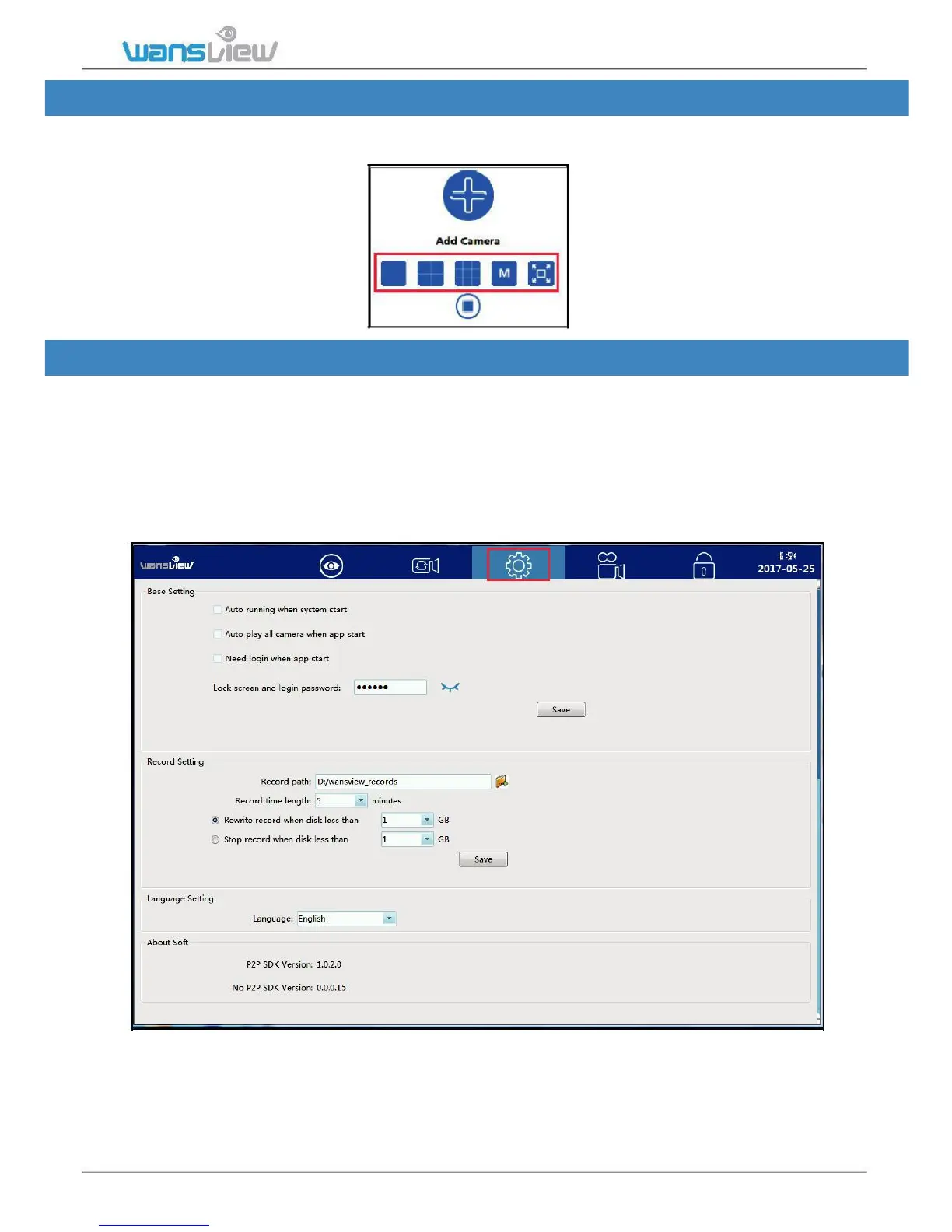
User can monitor multiple cameras at the same time, 4-screen, 9-screen, M(6, 8,16, 25,
36) and full screen can be set up according to different demands
3.5 Local Setting
About software:
Basic setting:
User can set up lock screen password in case you won’t let others to see the video.
Record setting:
User can set the Record path, and each recorded video can be set from 5-60 minutes.
Recorded video can be overwrited or stopped if the computer disk storage is not enough.
Language setting:
The language can be switched from English and Chinese.
More Languages will be added very soon.



 To Next Page