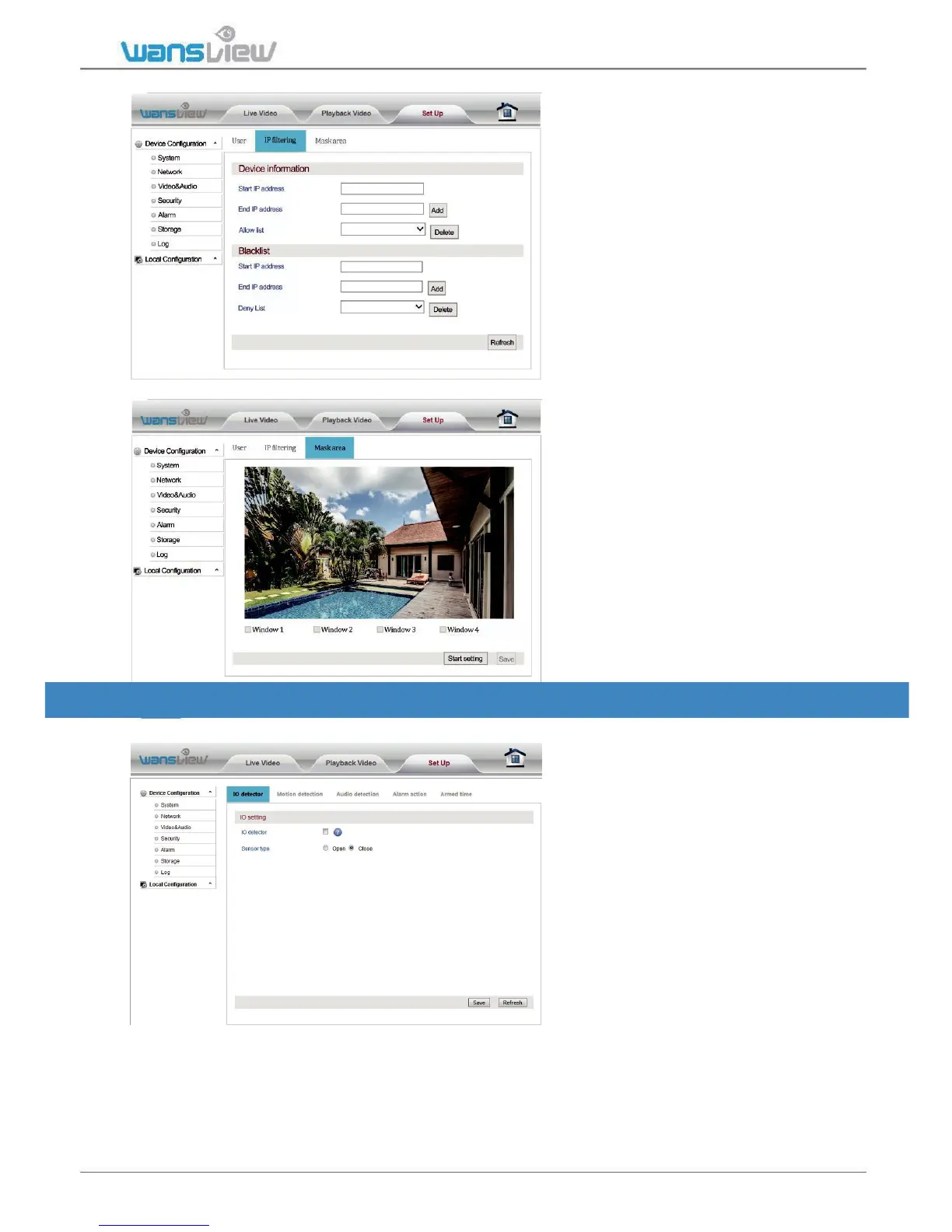
Security > IP Filtering
This screen allows for the
filtering of IP addresses, either
blocking them or granting them
access to the camera.
This feature helps make the camera
more secure by limiting remote
access only to approved users.
Below is a Screen shot of the IP
Filtering screen.
Security > Mask Area (not available for MAC users)
Users exclude up to 4 areas from
monitoring.
Click Start Setting and check
the windows.
5.4.5 Alarm - Motion and Audio Detection
Alarm > IO Detector (disabled in this model)
Camera allows user to add an
external source of alert (motion
sensor or push button). We
recommend the Instar IN-500 PIR
Sensor as external motion sensor.
The external sensor can be always
open or always close. Please check
your alarm device setting in the
user guide.



 To Next Page