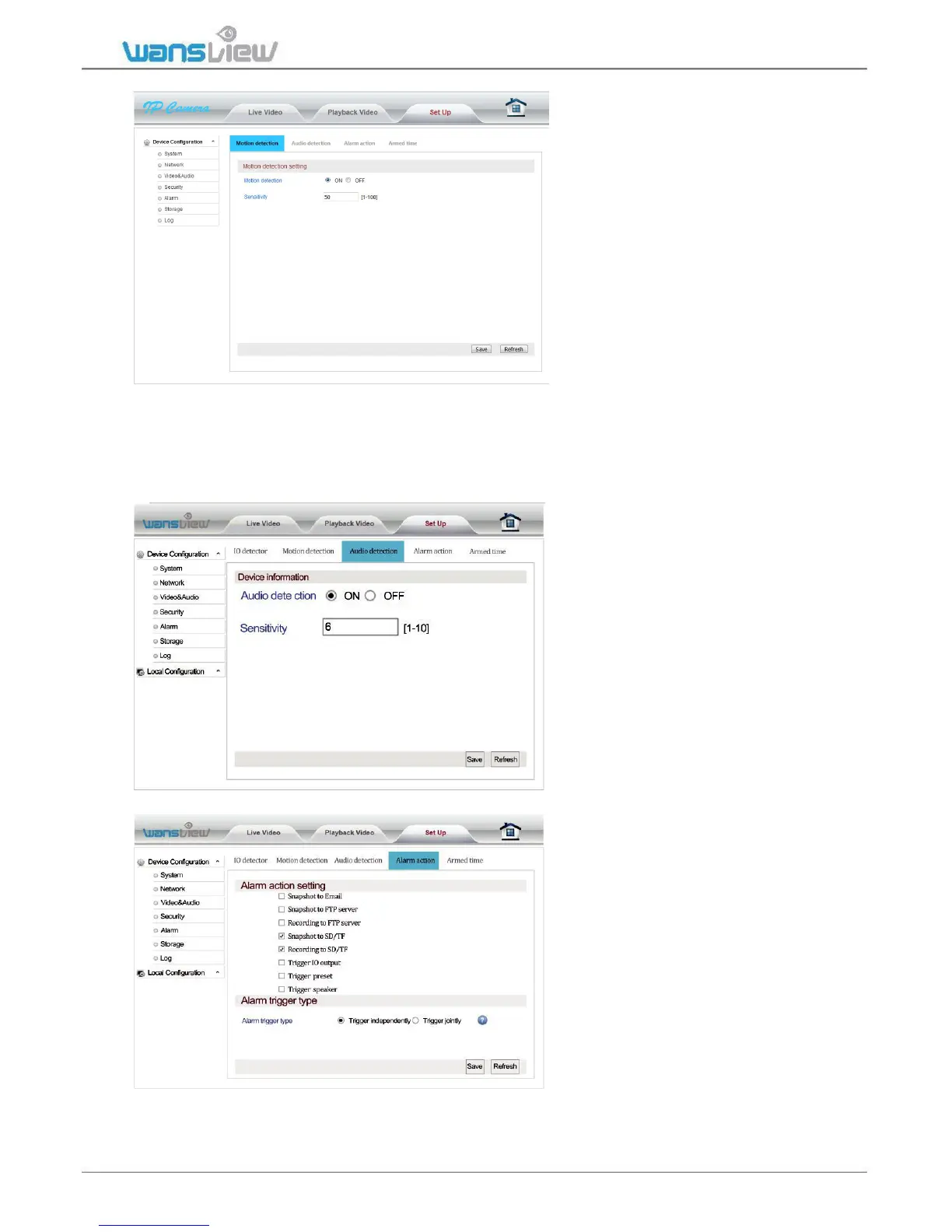
Alarm > Motion Detection (Intruder Monitor)
The Motion Detection in the
Web Interface is more advanced
than in the App. User can exact
different sensitivity. 15
corresponds to the lower level
and 55 to the mid-level. The IP
Camera begins recording
when it detects movement/audio
and stops recording in 30 sec. In
this section, users can customize
the motion detection feature.
This feature can be set on the
app or in the web interface.
Motion is detected by changing
in the pixels of the images.
Please note that motion detection doesn’t work through windows. In this case we recommend
to connect an external motion sensor out of the window using the IO alarm port.
Alarm > Audio Detection (Baby Monitor)
Alarm > Alarm Action



 To Next Page