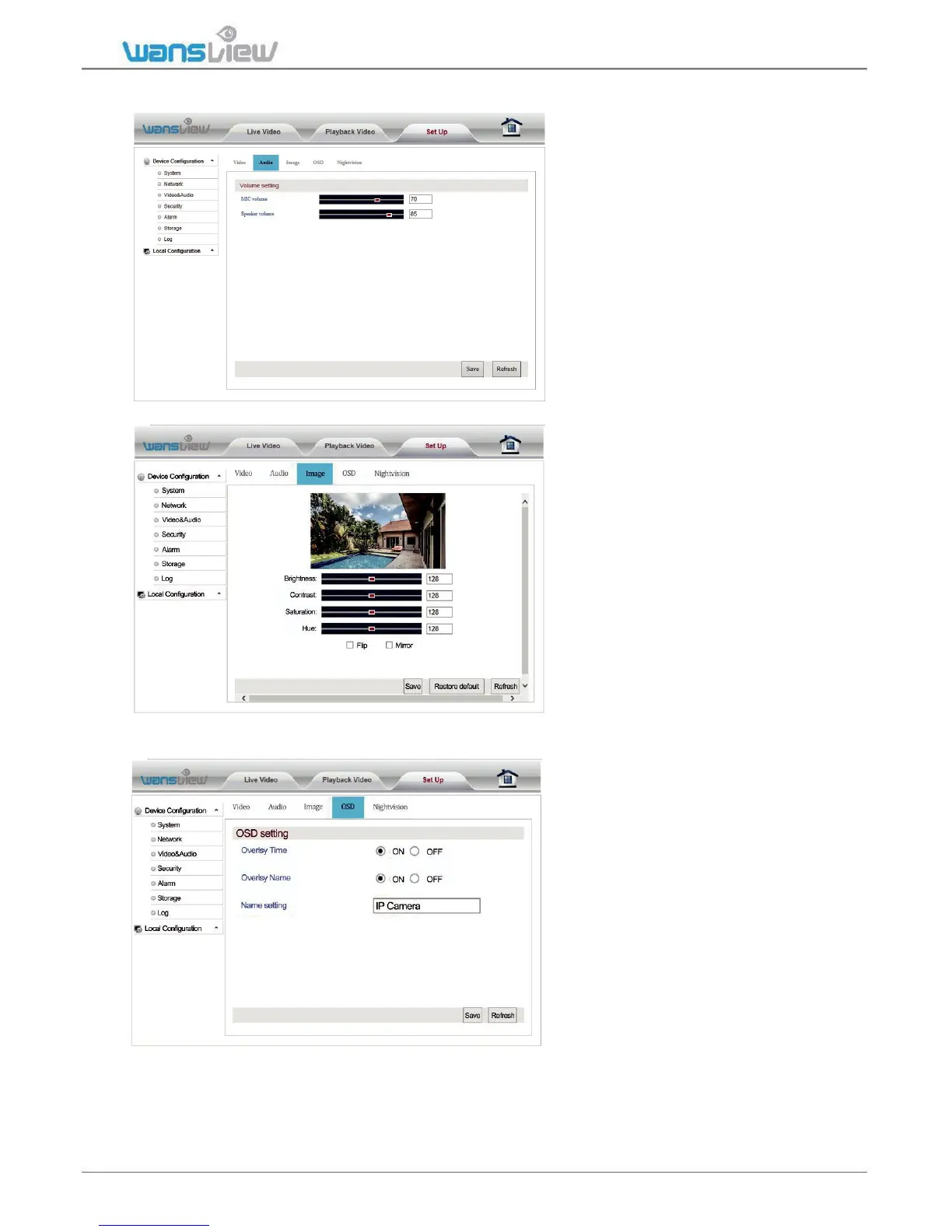
Video and Audio > Audio Setting (function disabled in this model)
Here you can adjust
Microphone and
Speaker volume
Video and Audio > Image Setting
Here you can adjust the image
parameters brightness, contrast,
saturation and hue. You can also
flip and mirror the video image
when tick the options.
Video and Audio > On Screen Display Time and Camera Name
Enter "OSD Setting" to overlay
the time and name on the video
image.



 To Next Page