Chapter 5
9
UPPER/LOWER CASE AND KEYBOARD LANGUAGE
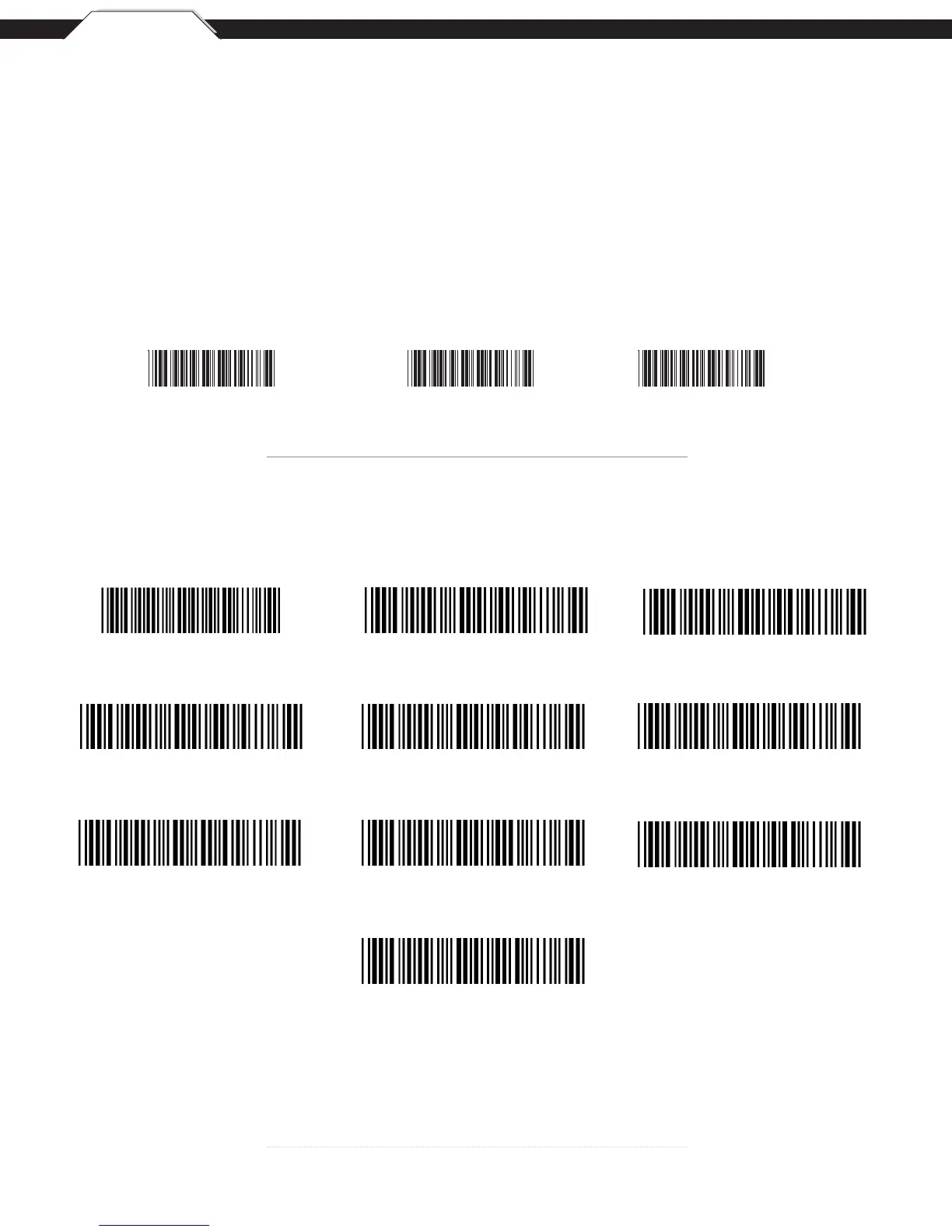
The ‘Keyboard Language’ setting controls the key codes for your keyboard’s language.
• Caps Lock Auto (For PC XT/AT only):
In Auto Trace mode, the scanner will keep track of the Caps Lock status automatically. For some PCs, the scanning
performance may be compromised because of the auto tracing. If the scanning performance is poor (or cannot scan) or the
scanner cannot output the upper/lower case characters correctly, try to select one of the next two choices instead of auto
tracing.
• CapsLockOff:
When the keyboard is in the unshifted state (Caps Lock is not pressed), select “Lower Case.”
• CapsLockOn:
When the keyboard is in the shifted state (Caps Lock is on),
select “Upper Case.”
Caps Lock On Caps Lock Off *Caps Lock Auto
*Default
English UK
French
German
Italian Czech (QWERTY)
Japan (106 Key Only) Spanish
Swiss
Universal Code
Upper/Lower Case
Keyboard Language
U.S.*



 To Next Page