Chapter 5
11
LABEL TYPE POSITIVE/NEGATIVE AND CODE ID
*Default
O - MSI/Plessey T - EAN 128
S - EAN 8 K - Code 128
E - UPC E N - Codabar
A - UPC A D - Full ASCII Code 39
F - EAN 13 M - Std. Code 39
L - Code 93 I - Interleaved 2 of 5
Code ID
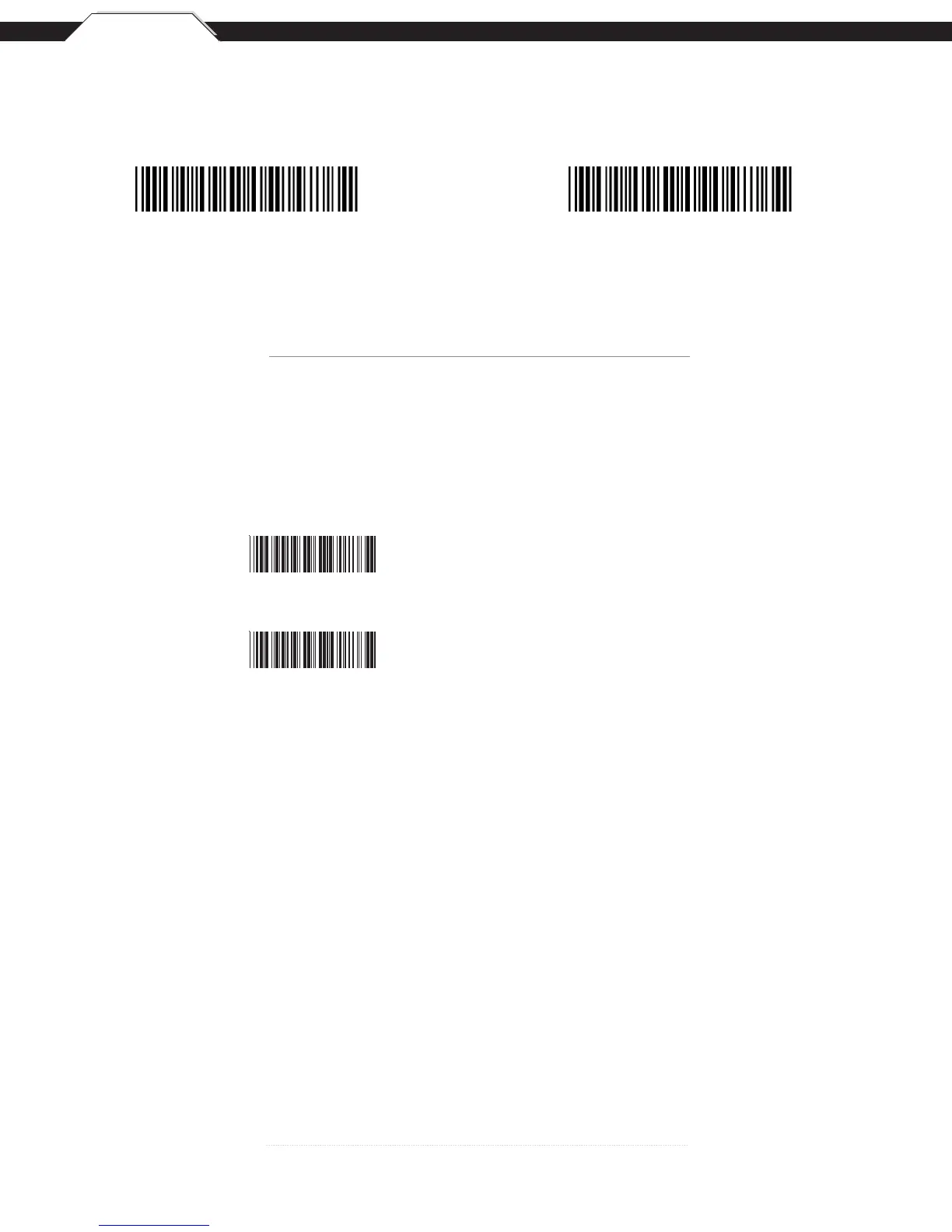
Code ID On
Code ID Off *
The ‘Code ID’ option sends a specific value when a particular barcode symbology is scanned. For example, if ‘Code ID’ is enabled and
Code 39 is scanned, an “M” will appear in the data stream in front of the barcode value.
Label Type Positive/Negative
Disable Negative Label
(Positive Label Enable)
Enable Negative Label
(Positive & Negative Enable)



 To Next Page