CHAPTER 4 - SETTING THE SSW-07
32
English
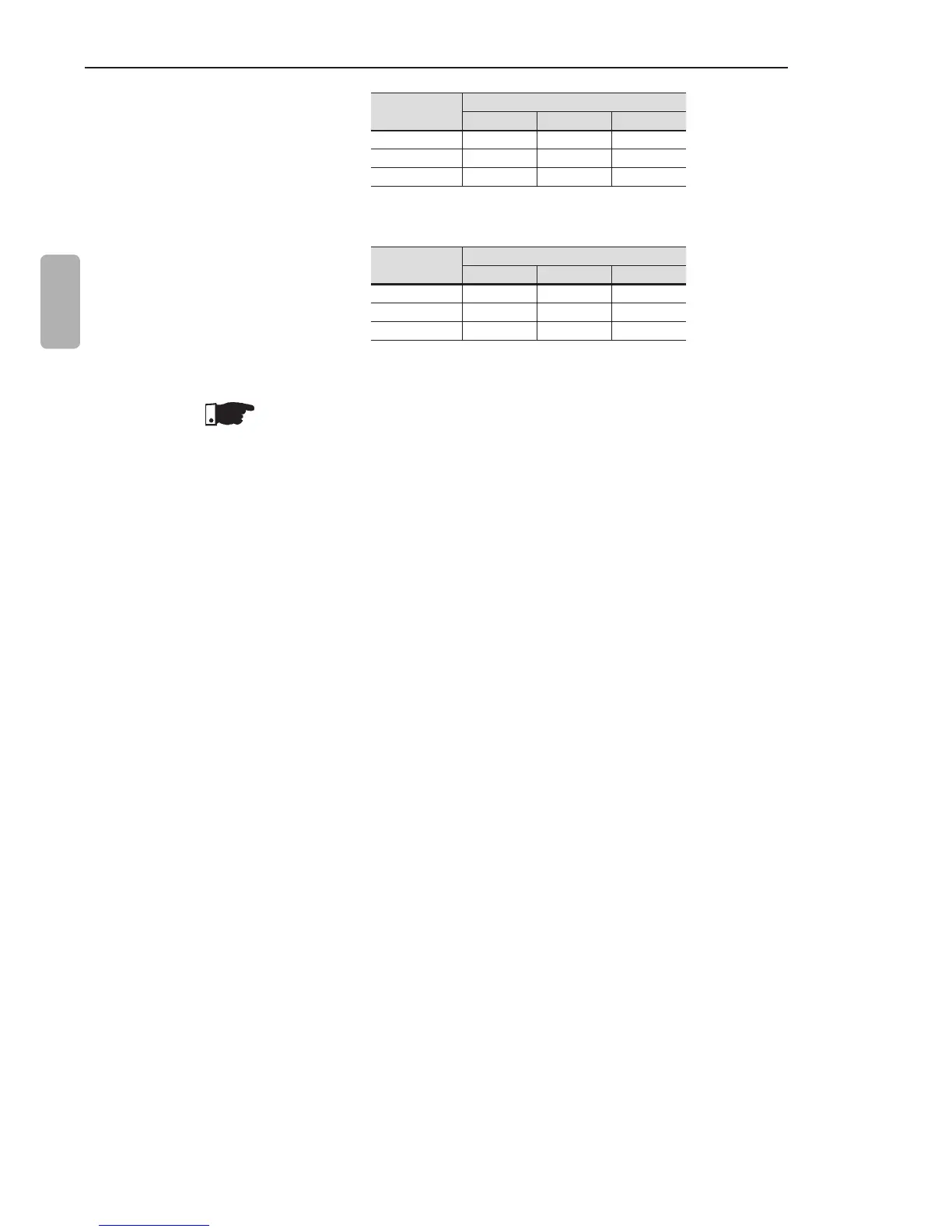
Motor
Current
Class
30 20 10
3xIn 101.2 s 67.5 s 33.7 s
5xIn 36.1 s 24 s 12 s
7xIn 18.3 s 12.2 s 6.1 s
Table 4.1 - Motor protection thermal class time in cold condition at S.F.=1
Motor
Current
Class
30 20 10
3xIn 135.1 s 90.1 s 45.1 s
5xIn 47.7 s 31.8 s 15.9 s
7xIn 24.3 s 16.2 s 8.1 s
Table 4.2 - Motor protection thermal class time in cold condition at S.F.=1.15
NOTES!
When SSW-07 is without the electronic supply voltage (A1 and
A2), the thermal image is saved internally. When the supply (A1
and A2) is re-established, the thermal image value returns to the
value prior to the electronic supply loss.
The RESET of the electronic overload protection can be set
to manual function (man). In this case the RESET must be
made via digital input 2 (DI2) or through the RESET key. If the
RESET setting is set to automatic (auto), the fault condition will
automatically be reset after the equipment cooling time;
Upon disabling the electronic overload protection, the thermal
image is reset at zero.



 To Next Page