Setup
28 1449820000/1.4/04.17
4.1 Unpacking
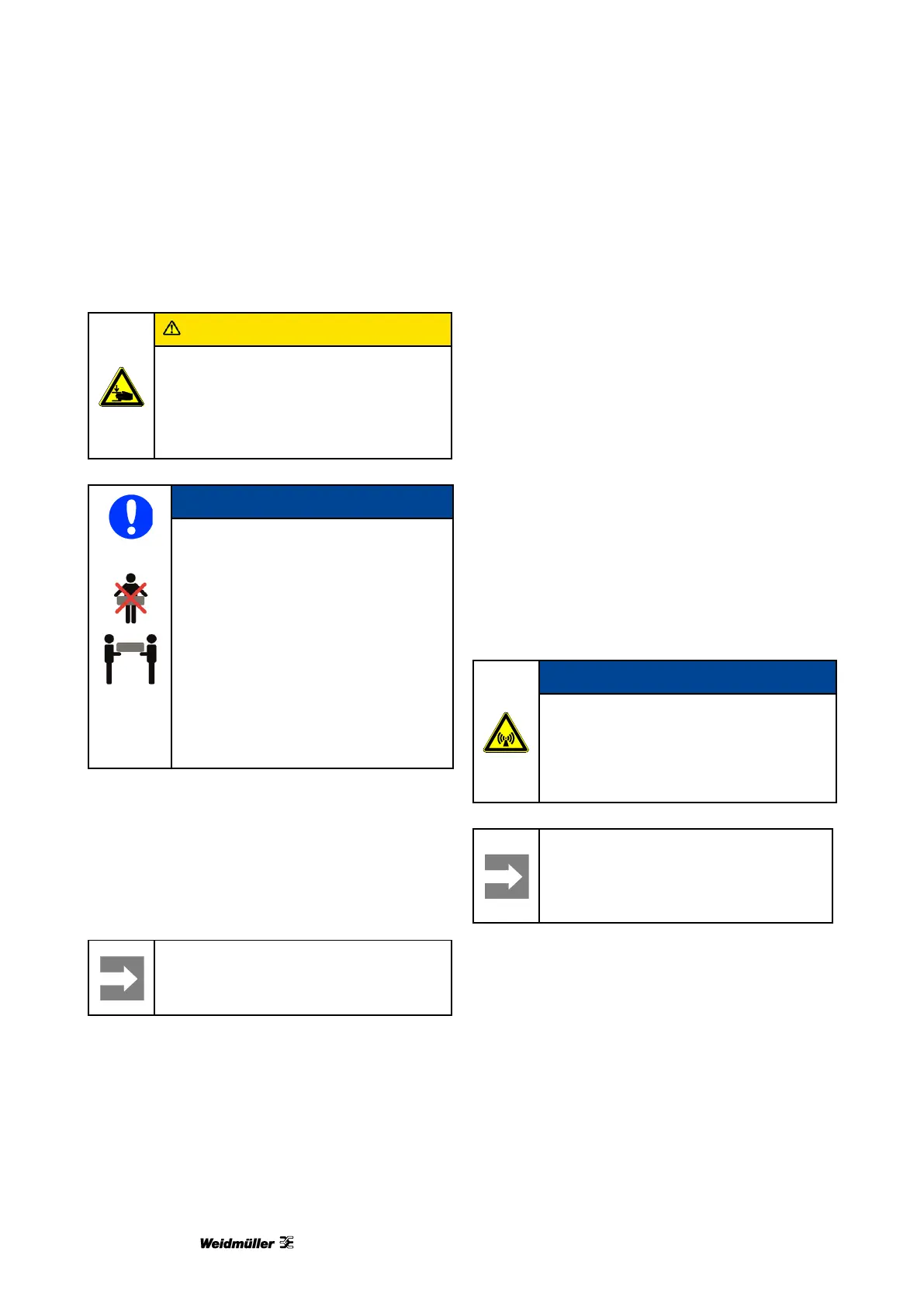
Crush hazard during transport
Because of its weight the printer must
always be carried by two people. Always
hold the printer at the front and rear
when carrying it.
Because of its weight the printer must
always be carried by two people.
Always hold the printer at the front
and rear when carrying it.
Always transport the printer in a
horizontal position. If transported
improperly, ink may escape and soil or
damage the device.
1 Open the packaging.
2 Take out all the accessories.
3 Two people must lift the printer with the
polystyrene packaging material out of the box.
4 Remove the polystyrene packaging material.
Important information
Keep the original packaging for any
future transport.
4.2 Scope of supply
When you have taken the PrintJet ADVANCED and
all accessories out of the packaging, make sure you
have all the following items:
• Power cable
• USB cable
• 1 MultiCard DEK 5/5
• Output rail
• DVD with the M-Print® PRO software
• Quick guide
• User Manual
4.3 Installing the printer
Do not use the device near potential
sources of electromagnetic interference,
such as loudspeakers or the base
stations of cordless telephones, as this
can impair its function.
Important information
When installing the printer, make sure
you provide the necessary operating
and maintenance spaces.



 To Next Page