EasyManua.ls Logo

Weidmüller PrintJet ADVANCED - 4.10 Choosing the Language for the Touch Panel

Weidmüller PrintJet ADVANCED
166 pages
Print Icon
To Next Page IconTo Next Page
To Previous Page IconTo Previous Page
Loading...
Setup
36 1449820000/1.4/04.17
4.10 Choosing the language for the touch panel
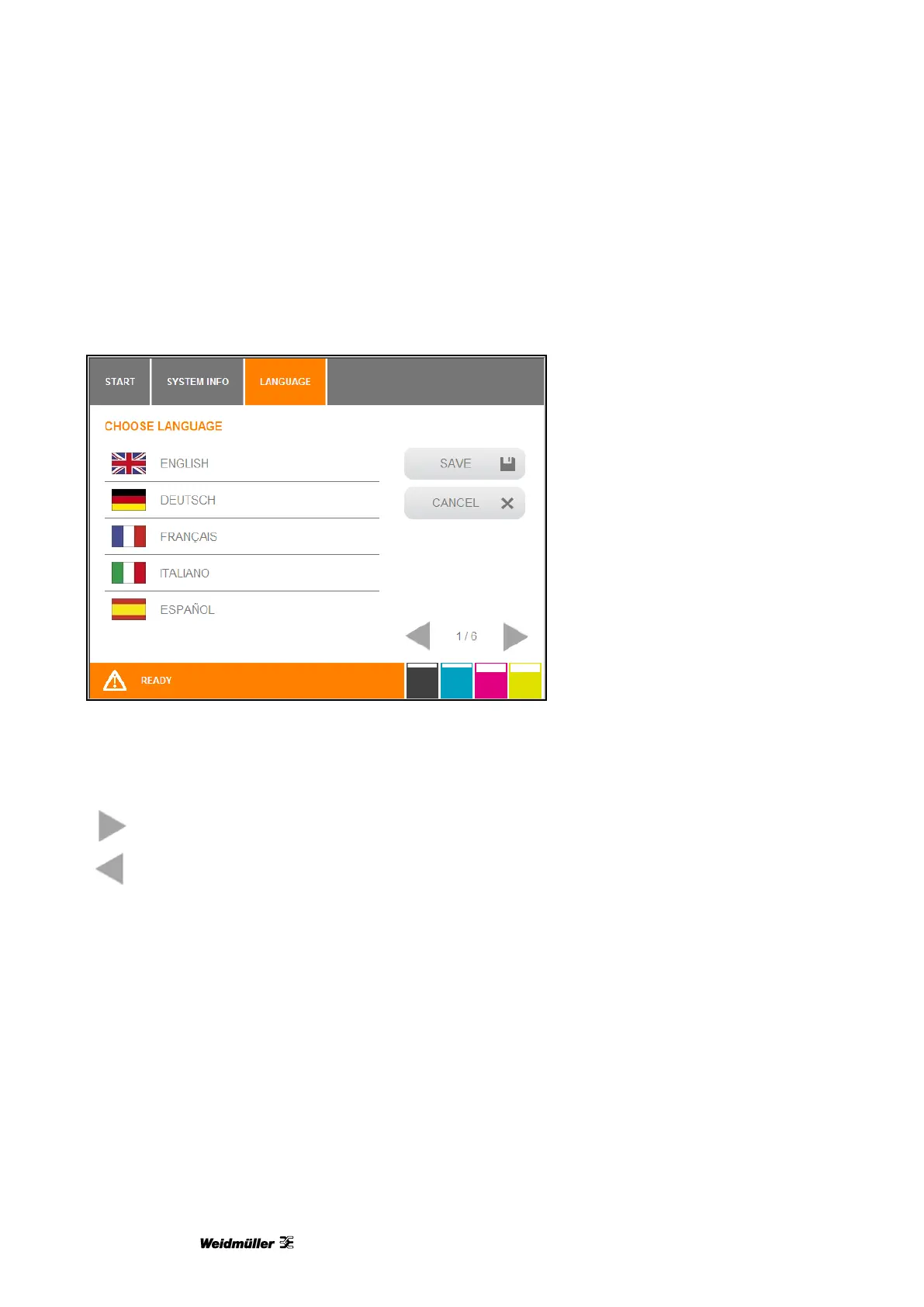
When you start up the printer for the first time, a language choice is displayed on the touch panel.
Figure 18 Touch panel language choice
1 Choose the required language by touching the corresponding button.
Touch this button to scroll forward to the next page and additional options.
Touch this button to scroll back to the previous page.
If the printer was turned off before you chose the language of if you want to change the language
subsequently, you have to perform the following steps:

Table of Contents