Operation
80 1449820000/1.4/04.17
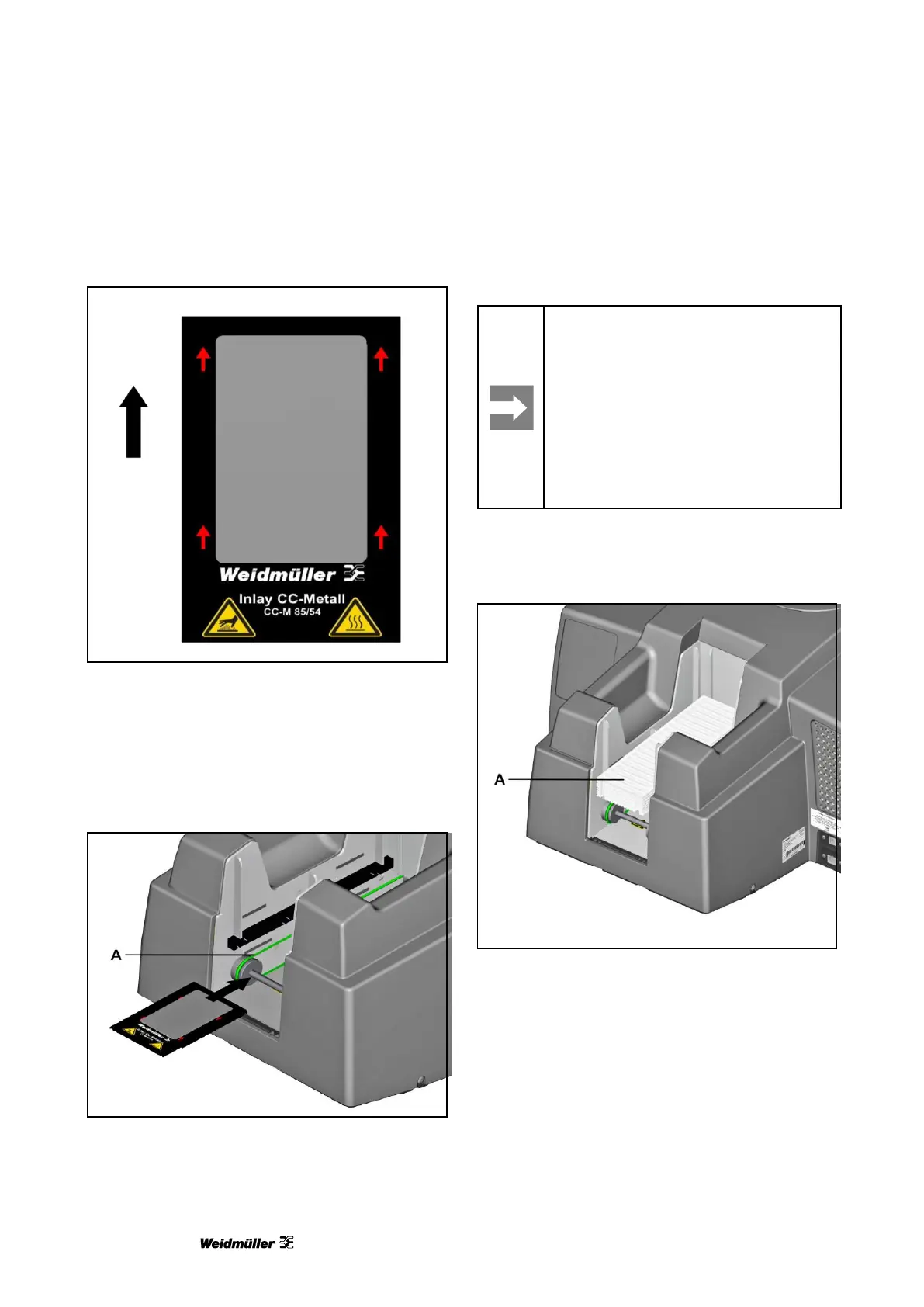
Direction of insertion for MetalliCards
Figure 89 Direction of insertion for
MetalliCards
5.1.3 Processing a single
MultiCard/MetalliCard
Place the single MultiCard/MetalliCard on the green
conveyor belt (A) in the direction of the arrow.
Figure 90 Inserting a single MetalliCard inlay
A One at a time
5.1.4 Processing a stack of
MultiCards
Important information
• Only MultiCards are allowed to be
inserted in stacks (not MetalliCards).
• You can insert a stack of up to 30
MultiCards in the loader.
• The stack must not exceed 30
MultiCards.
• The stack must not contain a mix of
full-size and half-size MultiCards.
Insert the stack of MultiCards in the loader (A) in the
direction of insertion shown previously.
Figure 91 Inserting a stack of MultiCards
A Loader to hold the stack



 To Next Page