Warning of electrical hazard if the
power cable is damaged
A damaged power cable can
• cause a fatal electric shock and
• lead to a fire.
• Do not let the power cable get
damaged and leave it in its original
state.
• Do not place any objects on the
power cable.
• Do not pull hard on the power cable
and do not bend it any more than
necessary.
Failure to comply with these instructions
can cause an electric shock or a fire.
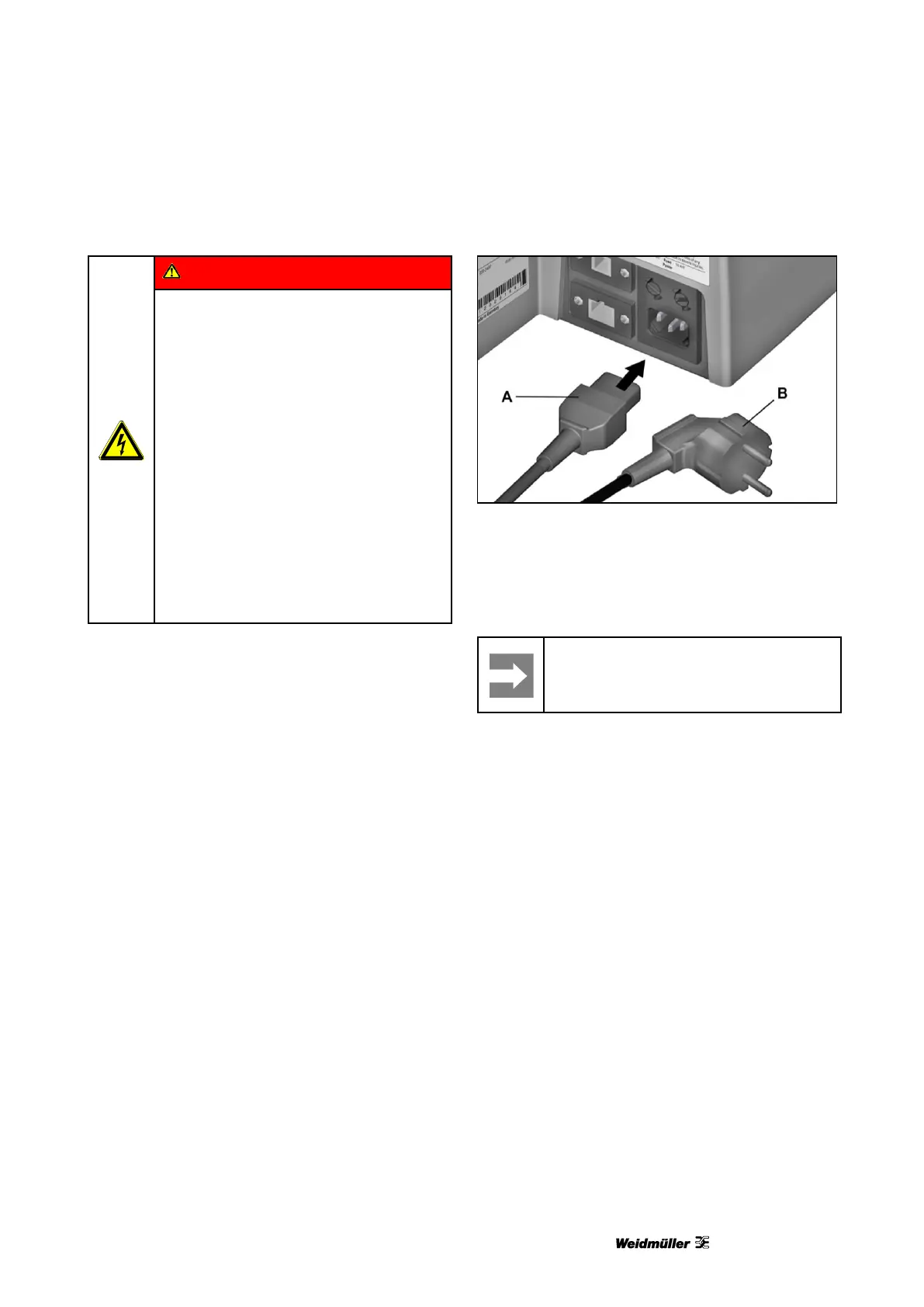
Figure 14 Connecting the power plug
1 Connect the power cable to the printer (A).
2 Connect the power cable to the socket (B).



 To Next Page