EasyManua.ls Logo

Weidmüller PrintJet ADVANCED - Page 49

Weidmüller PrintJet ADVANCED
166 pages
Print Icon
To Next Page IconTo Next Page
To Previous Page IconTo Previous Page
Loading...
Setup
1449820000/1.4/04.17 49
You can remove the highlighted printer from the list with the [Delete] button. You can add this printer again at
any time.
You exit the dialog box with the [Close] button.
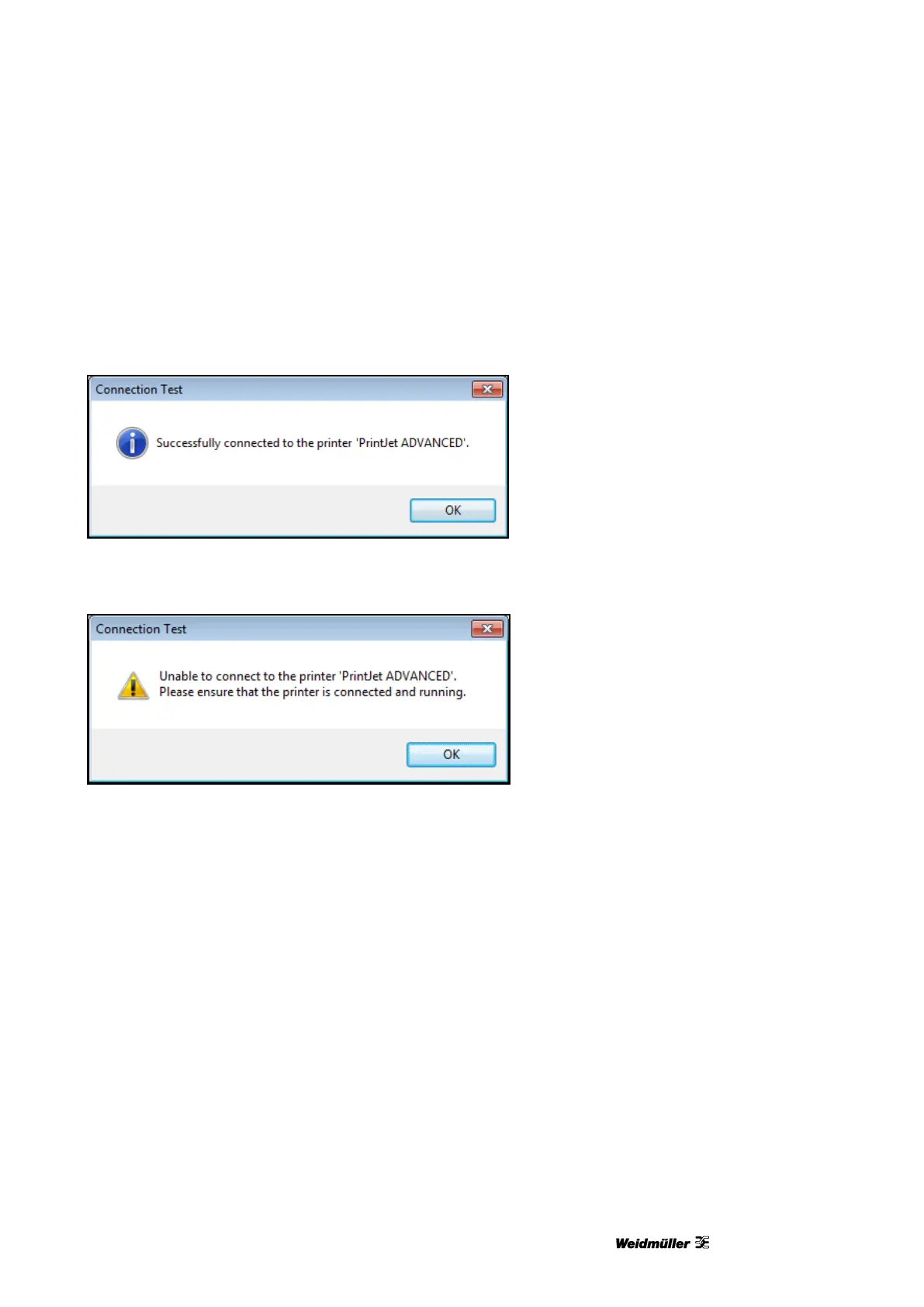
You can check whether the printer highlighted in the list is connected and accessible with the [Test] button.
If so, the following dialog box appears:
Figure 41 Dialog box connection test successful
You see the following message if the printer cannot be found because, for example, it is turned off:
Figure 42 Dialog box printer not found
8 Next you have to activate the M-Print® PRO software (see “4.15 Activating M-Print® PRO”).

Table of Contents