Manual R06-2016 73 / 172
ROTARY INDEXING TABLE CONTROLLER
EF2...B
EF2 - PC CONNECTION | 7.1 Presettings
7 EF2 - PC CONNECTION
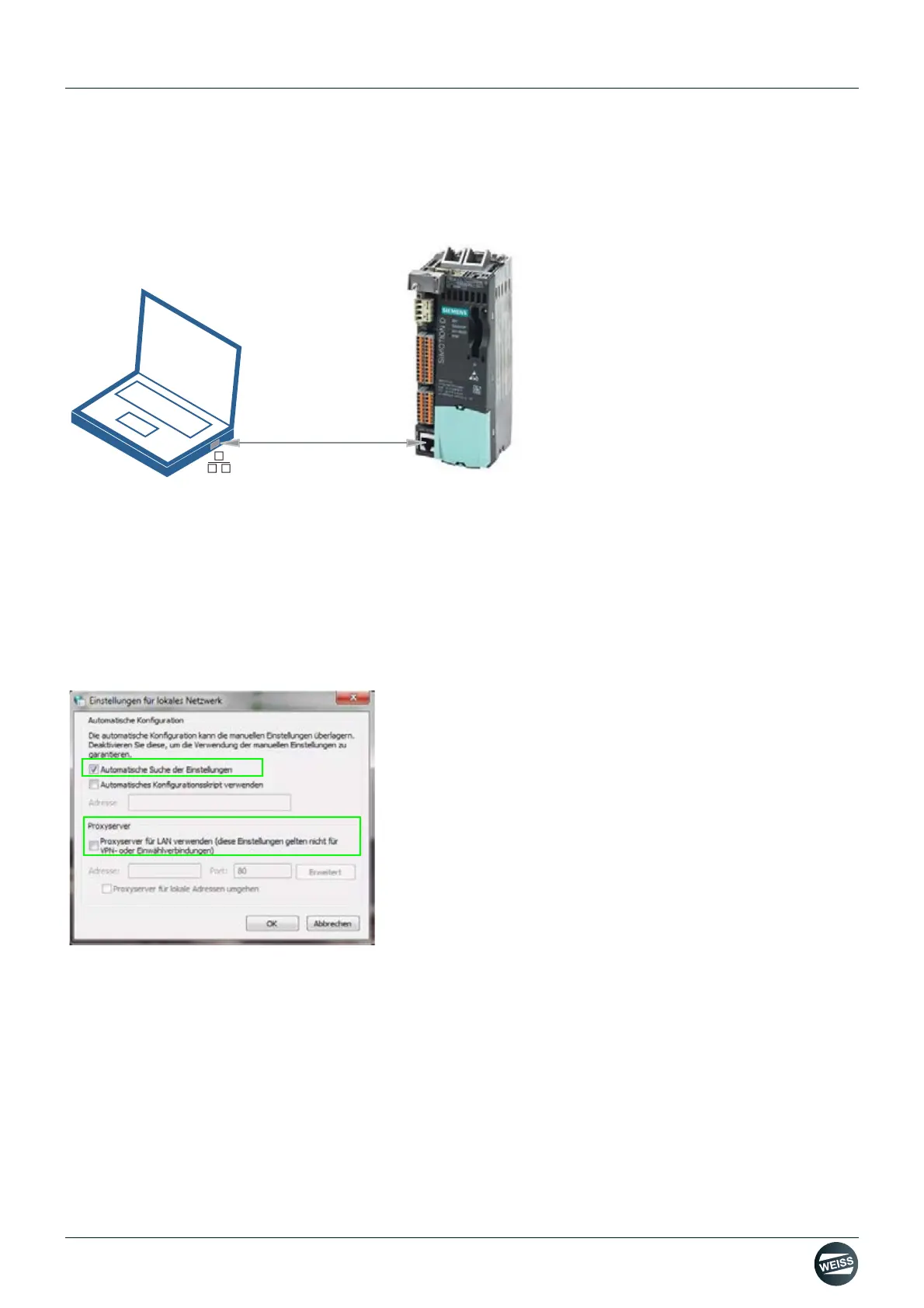
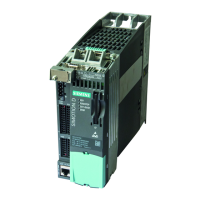
The connection of the EF2 Controller to a PC or Notebook is established using a network cable.
Fig. 46: PC - EF2 Controller connection
7.1 Presettings
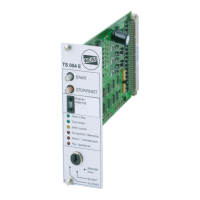
1. Go to SYSTEM PROPERTIES (CONTROL PANEL) \ INTERNET OPTIONS \ CONNECTIONS \ LAN SETTINGS
and make the following settings:
Activate "Automatically detect settings".
Deactivate "Use a proxy server for your LAN".
It is necessary to adjust the Internet settings or network settings on the PC or notebook.
Fig. 47: Adjusting the Internet options
Should it not be possible to establish a connection using these settings, then the LAN settings have to be chan-
ged manually (see next step).
X127 (LAN)



 To Next Page