Manual R06-2016130 / 172
ROTARY INDEXING TABLE CONTROLLER EF2...B
COMMUNICATION WITH A HIGHER-LEVEL CONTROLLER | 10.1 Profibus DP
10 COMMUNICATION WITH A HIGHER-LEVEL CONTROLLER
System requirements:
Automation software Step 7
as of software version V5.5
10.1 Profibus DP
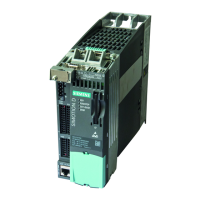
The following example describes the connection of a SIMOTION D 410-2 DP/PN with a SIMATIC S7 315-2 PN/DP.
For this purpose, the SIMOTION is connected to the DP master system as a standard slave using a GSD file. The
X21 interface on the SIMOTION should be used here. Integrating a SIMATIC S7 315 CPU into an existing project is
not described in this manual, and is considered a prerequisite for further action.
Procedure:
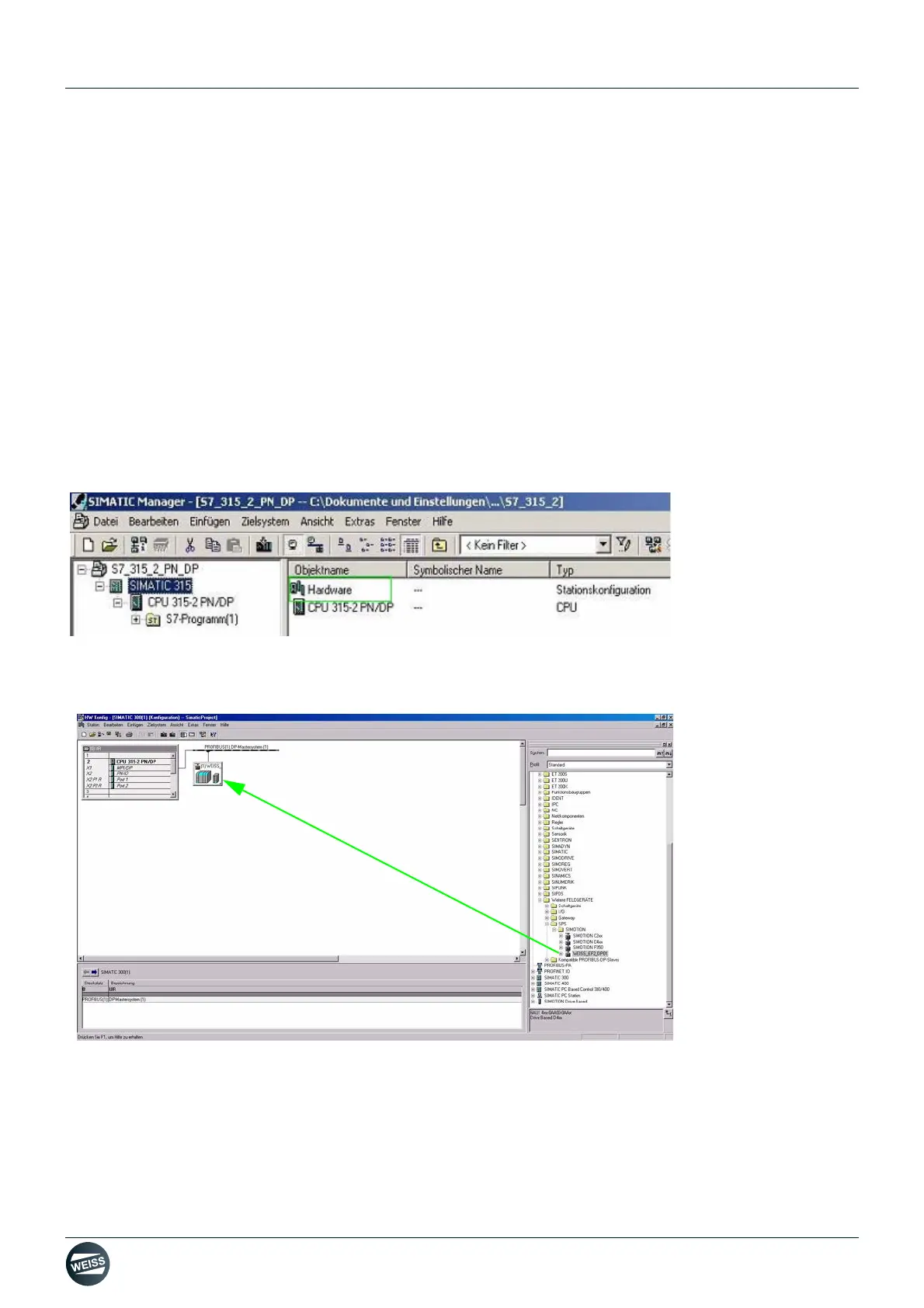
• Import GSD file into STEP 7 HW Config. To do so, double-click "Hardware" in the working area of the SIMATIC
manager.
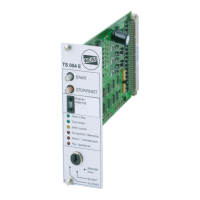
• Import the GSD file via the Options menu - Install GSD file in STEP 7 HW Config. Afterwards, the SIMOTION will
appear in the HW catalogue under "PROFIBUS DP/ADDITIONAL FIELD DEVICES/PLC/SIMOTION, from where
it can be dragged and dropped onto a DP master system of an S7 station.



 To Next Page