17
WAS.handling Windows – Program
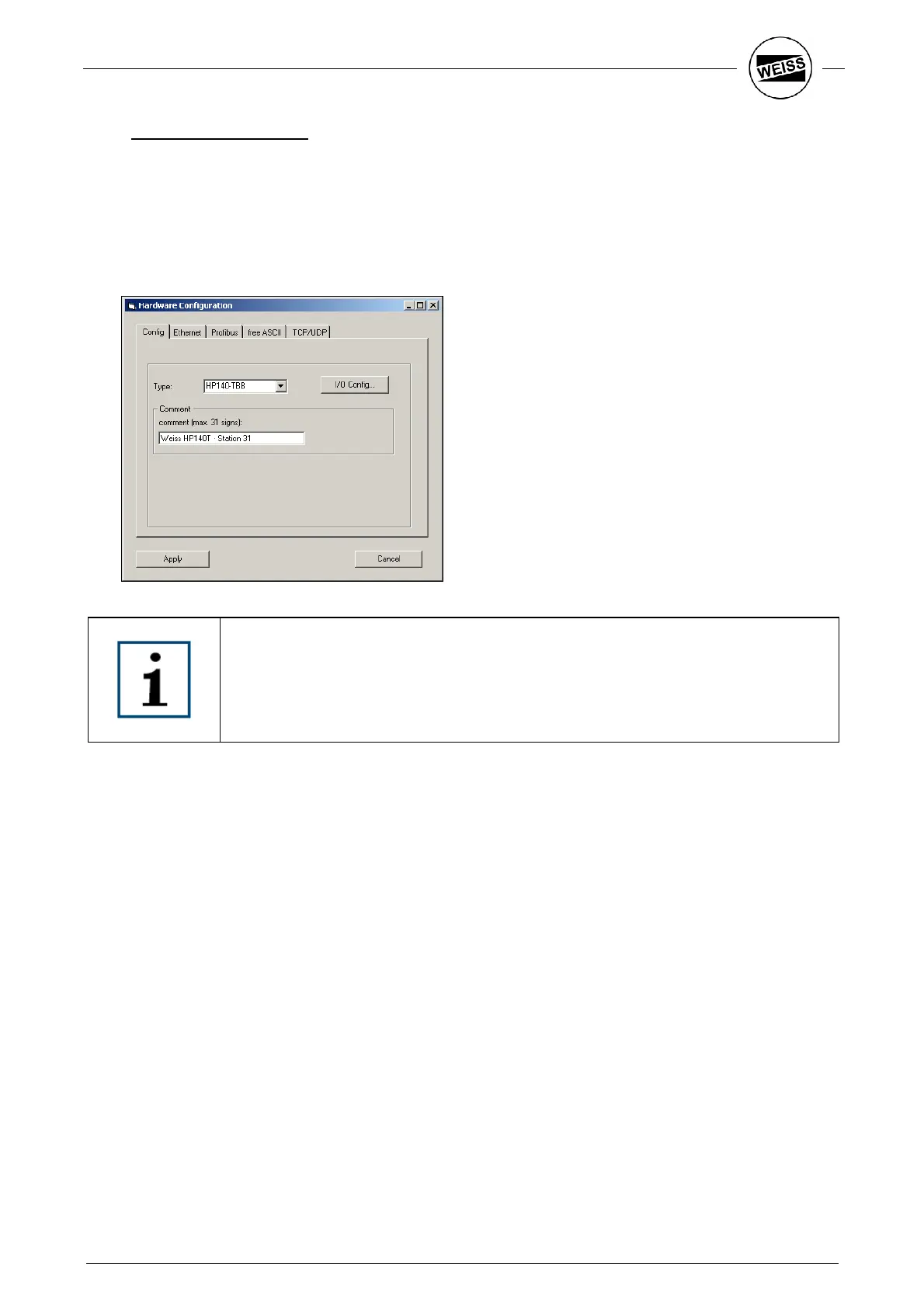
4.3.2 Hardware configuration
Here the following parameters are set:
• Select device type (usually preset)
• Assign input and output signals to hardware or Profibus
• Parameterizing Ethernet interface of slot CPU
• Parameterizing all interfaces to customer PLC
If the device type is newly selected, all parameters are reset after a confirmation
prompt and the PLC is restarted.
Setting up the digital inputs and outputs is described in the following. For parameterizing and functionality of
the fieldbus system, freeASCII and TCP/UDP, please refer to the respective interface documentation.
The Ethernet interface of the slot PLC can be configured on the “Ethernet” tab.


 To Next Page