53
WAS.handling Windows – Program
8.2 How to proceed in case of errors
8.2.1 Establish a connection between Slot-PLC and Windows-PC
• The LED “RUN“ on the Slot-PLC is showing green signal ?
If not, than there must be an error in CAN-Network. The Slot-PLC must have Address “0A”.
=> After adjusting the Address, please reboot.
• Establish the connection as described before.
8.2.2 Narrowing down the error
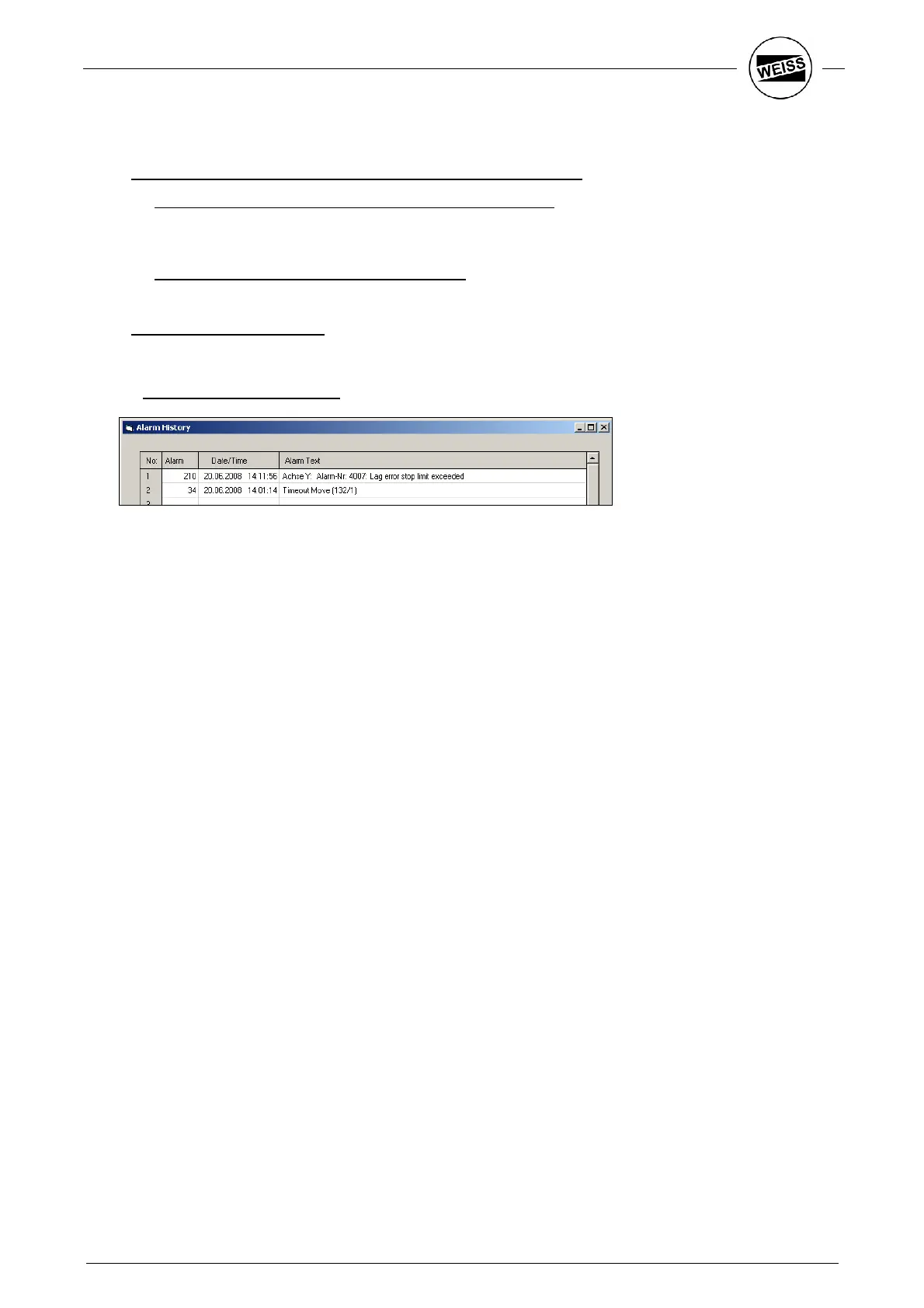
The last 20 error messages can be reviewed using the Tools – Error list menu.
• Structure of error messages:
Error numbers: 1 – 99: Errors generated by the WAS software.
210: Error ACOPOS Y axis
310: Error ACOPOS Z axis
Date/time: Time stamp of error message:
Error message: Respective error message, partially with additional information.
For problems of the drives (error no. 210, 310), the error number of the drive
software is displayed additionally.
If you cannot rectify the fault yourself, please report both error numbers to the
WEISS service.


 To Next Page